
AI sales tools / Outreach & messaging
Instantly: our pick for a clean, connected outbound platform
Our pick for a clean all-in-one outbound experience: AI-led prospecting, campaign creation, sending, reply automation and integrations that connect the wider GTM stack.
By Stan, Co-Founder & CEO at frontBrick · Reviewed October 18, 2026 · 8 min read
Instantly combines prospect discovery, campaign writing and sending, reply management and AI agents in one outbound platform. At frontBrick, it is our pick when ease of use, a clean interface and a connected all-in-one workflow are the priorities.

Verified Instantly expert profile
View frontBrick’s official listing
We offer paid implementation. This guide includes fit, limitations and alternatives.
Stan's take: when we choose Instantly
Instantly is our first choice for teams that want a clean interface and a straightforward path from finding prospects to managing the conversation. We like how approachable the product feels while still giving us the integrations and API needed to connect it to a larger GTM system.
The appeal is the complete workflow: find an audience with AI assistance, draft a campaign, send it, manage replies and follow up. You can keep more of that work in one platform instead of assembling a separate tool for every step. For a team that values a clear day-to-day workspace, that matters as much as the feature list.
Our recommendation: choose Instantly when you want an easy-to-operate outbound hub with room to add AI agents and custom integrations. Choose the plan around the full workflow, including contacts, sending, research and agent usage.
From AI lead finding to replies and voice
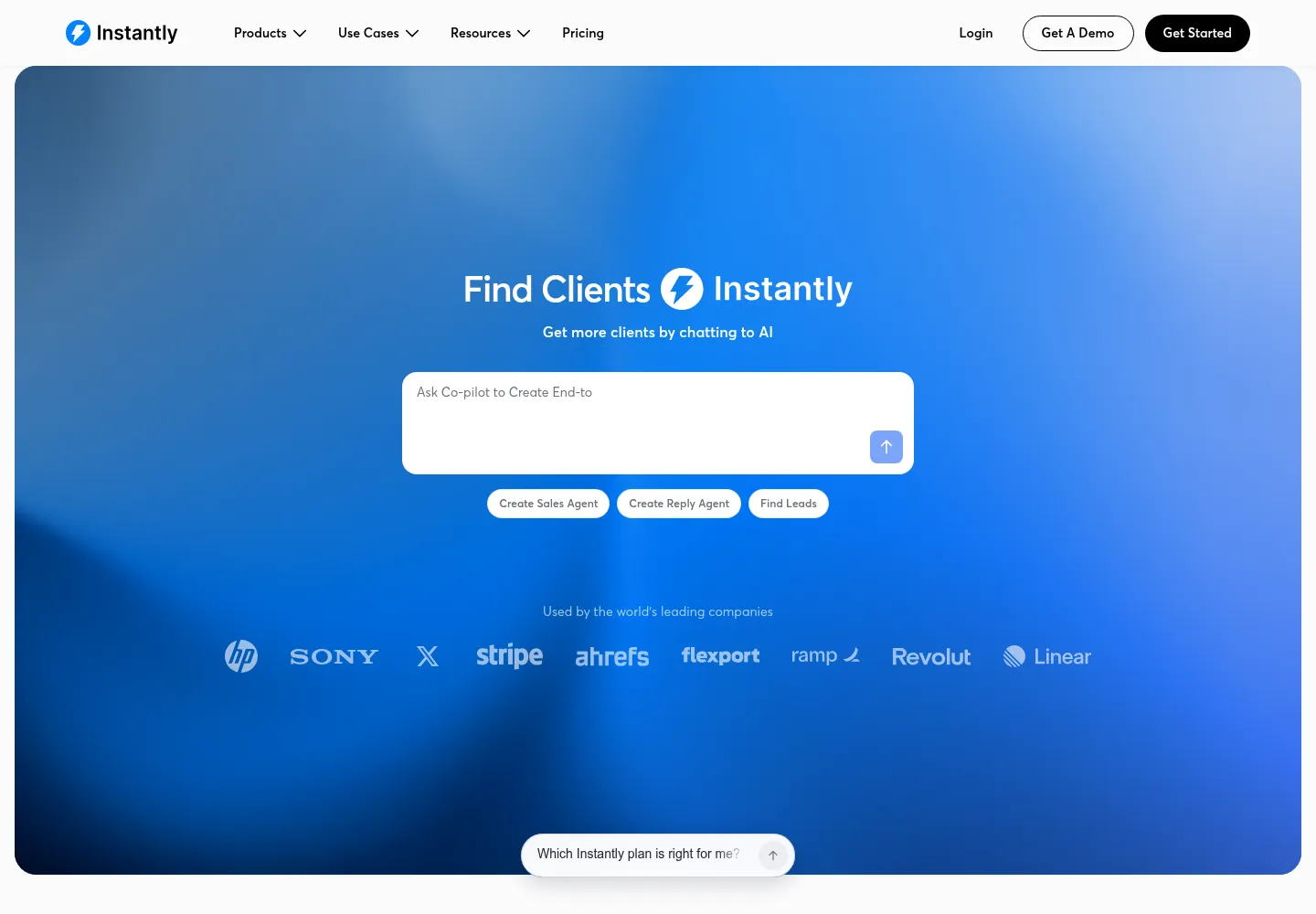
SuperSearch supports natural-language audience searches and enrichment. A Lead Finder Agent can keep adding prospects from a defined search. That makes it useful for maintaining a campaign audience without rebuilding the list manually each time. See how SuperSearch works.
AI Reply Agents can prepare or send responses, handle common questions and follow up, with a review mode available when you want a person to approve replies. Voice agents extend the platform into phone conversations and website voice interactions. Configure the purpose and handoff for each agent so interested prospects reach the right person. Explore the agent types.
Its automation builder, integrations and developer interfaces connect these steps to CRM updates, notifications and other business workflows. We value the API for custom implementations where an off-the-shelf connection is not enough. Instantly's developer tools cover API, MCP, SDK and CLI access.
What Instantly does
Instantly began as a recognizable choice for cold email operations, but buyers should evaluate its current platform rather than an old sending-only description. It now presents outreach, research, enrichment, Co-pilot, AI sales and reply agents, workflow automation and CRM capabilities.
These features can reduce the number of disconnected steps between a target account and a conversation. They do not remove the need to decide who to contact, why the message is relevant and who takes responsibility when someone replies.
Instantly is worth evaluating when email is a central channel and the team needs coordinated mailbox and campaign operations. For a relationship-led, highly selective account list, a more manual process may be sufficient. For a campaign that depends heavily on calls and LinkedIn tasks, compare a multichannel engagement platform too.
Separate the platform into four jobs
| Job | What to evaluate | Acceptance check |
|---|---|---|
| Find and research prospects | Search, enrichment, research agents and external data inputs. | Can you explain why each account qualifies? |
| Execute email | Mailbox connections, campaign schedules, variables and sending allowances. | Does a controlled test use the right sender and content? |
| Handle replies | Inbox workflow, classification and human escalation. | Does an interested prospect reach an owner? |
| Record outcomes | CRM records, integrations and attribution. | Can you connect the reply to the campaign and opportunity? |
Evaluate the entire chain. A fast campaign builder is not enough if the team cannot reliably distinguish a positive reply from an out-of-office message or find the resulting opportunity in the CRM.
Example: research-led outreach with one useful message
Consider an agency offering a specific improvement to a software company's visibility in AI search. This proposed workflow uses evidence to earn a conversation. It does not assume that a longer sequence or more sending volume creates better results.
- Choose a narrow segment: define product category, target market and the roles responsible for acquisition.
- Research the account: collect the relevant visibility evidence outside or inside the platform, depending on the workflow. Preserve the query, date and source.
- Qualify the opportunity: reject records where the observation is weak, irrelevant or cannot be explained clearly.
- Find and validate the contact: confirm current employment and apply suppression before enrollment.
- Draft a concise offer: explain the observation and the specific next step without implying guaranteed rankings or citations.
- Review and send: approve a sample and launch within the operating limits of the sending environment.
- Handle the response: route interest to a person with the original evidence and campaign context.
The Skale engagement illustrates the broader principle of a researched offer and a single-email sequence: 63 MQLs and €13.2k in outbound MRR won in two months. See the full case study for context. Those results are not a claim that Instantly alone caused the outcome or a promise for another campaign.
How to set up Instantly before launch
Prepare mailboxes and identity
Confirm domain ownership, mailbox access, authentication and reply routing. Use a truthful sender identity and a clear business purpose. Keep a record of which mailbox belongs to which campaign or team so changes are traceable.
Define the audience file
At minimum, preserve a person identifier, company domain, validated email status, segment, evidence, campaign key and CRM owner. Clean display names separately from identity fields. Do not remove information needed for matching just to make a message look tidy.
Test variables and exclusions
Preview records with missing data, long company names and unusual characters. Decide whether an incomplete record receives a neutral fallback or is held for review. Test suppression and duplicate handling before importing the full list.
Configure reply handling
Define categories that lead to actions: interested, question, referral, not now, opt-out, wrong person and automated response. Review the edge cases before allowing an AI agent to act automatically. A classification is useful only when the downstream action is appropriate.
Connect the CRM deliberately
Choose which events create records and which only update them. Preserve campaign attribution without overwriting the salesperson's owner or lifecycle stage. Use stable identifiers so a retry does not create a second lead.
Instantly pricing: outreach, credits and bundles
Reviewed October 18, 2026. The official pricing page lists standalone Outreach Growth at $47 per month, Hypergrowth at $97 and Light Speed at $358 on monthly billing. Growth includes 1,000 uploaded contacts and 5,000 monthly emails. Annual equivalents are discounted.
Research and enrichment use a separate Instantly Credits offering. The page also lists bundles, including Starter at $94 per month and Scale at $194 per month. Do not assume that buying outreach includes every research or AI feature, or that a bundle and standalone plan have identical allowances.
Some displayed allowance tables differ on the official page, including Hypergrowth's email count. Confirm the exact allowance in the selected plan and checkout before purchasing. The guide deliberately avoids turning an inconsistent table into a definitive promise.
The total budget includes software, mailboxes, domains, data, model or credit usage and operations. Unlimited connected email accounts does not mean the mailboxes are free or that sending is unrestricted. Model the cost per qualified conversation, not just the subscription divided by emails sent.
How to use AI agents without losing control
Give an agent approved business context, the offer, evidence requirements and a clear boundary between drafting and external action. Start with research summaries and draft replies. Review a sample against a written rubric before expanding its responsibilities.
Require escalation for ambiguous replies, pricing commitments, unusual requests and unsupported claims. Keep the original message available to the human owner. Record what the agent changed so a mistake can be diagnosed and the prompt or workflow improved.
Instantly's public product page lists a ChatGPT connection and labels its Claude connection as coming soon at the review date. Access to an underlying model and a native connection to that assistant are different things. Verify availability before promising either to your team.
Instantly vs Smartlead and lemlist
Our choice for a clean all-in-one experience: Instantly. We prefer its interface and connected path from prospect discovery to campaigns and AI-assisted replies.
Our choice when dedicated infrastructure is the priority: Smartlead. Compare its infrastructure options and contact-storage economics with your Instantly plan. Smartlead's Unlimited plans include unlimited contact storage, while email sends and other allowances remain defined.
Our choice for an established sales team's personalized multichannel motion: lemlist. Its strongest fit for us is reps coordinating email, LinkedIn, calling and other supported channels around signals.
These are our implementation preferences, not a universal ranking. Compare the cost of the same audience, contact storage, sending volume, agent usage and response process.
Operating checks that protect the campaign
- Investigate bounced or failed sends and disconnected mailboxes.
- Review positive-reply classifications and the time to human response.
- Check that opt-outs propagate to every connected destination.
- Compare CRM opportunities with campaign events and resolve mismatches.
- Inspect costs by qualified segment rather than celebrating total processed leads.
- Pause expansion when the offer is not producing relevant conversations.
Implementation with frontBrick
We connect the commercial strategy to the technical work: audience, offer, data preparation, sending setup, AI boundaries, reply handling, CRM integration and reporting. Delivery can include training and an operating guide so your team can maintain the system. Pricing is custom.
View Stan's Instantly expert profile or book a complimentary discovery call.
Questions buyers ask about Instantly
Is Instantly only an email sender?
No. Its current offering includes research, enrichment, AI assistance and workflow capabilities. Check which products and credits your chosen plan includes.
Does the subscription include mailboxes?
Do not assume so. Connected mailbox capacity and the cost of buying or maintaining mailboxes are separate budget questions.
Can Clay feed an Instantly campaign?
Yes. Use an agreed schema and approved enrollment rules. Validate identity, email status, suppression and duplicate handling before activation.
Should AI answer every reply?
No. Start with a defined set of low-ambiguity cases and human review. Escalate anything that needs judgment or a commercial commitment.
Does warmup guarantee deliverability?
No. It is one operating feature. Authentication, recipient relevance, reputation and provider policies still affect outcomes.
What is the best success metric?
Track qualified positive replies and opportunities, then connect them to revenue. Use delivery and response metrics to diagnose the process, not as substitutes for business results.
Explore the connected tools
- Clay implementation guide
- Smartlead implementation guide
- lemlist implementation guide
- HeyReach implementation guide
Sources and editorial notes
Product facts and prices were checked against the sources below on October 18, 2026. Workflow recommendations are frontBrick’s implementation guidance. Examples are illustrative unless linked to a named case study. We offer paid implementation, and verified partner relationships are disclosed above.
