
Data & enrichment
Clay
Make Clay the connecting layer across your go-to-market tools. Build ABM, agentic campaigns, automated inbound and automated outbound around shared data and clear execution rules.
Read the implementation guideExplore AI sales tools for better research, relevant outreach and a connected go-to-market. Practical guides to what each tool does, where it fits and how to implement it.
Written for buyers and builders.
Current sources, practical workflows and honest tradeoffs.
Compare the fit, understand the costs and see a concrete workflow before adding another subscription.
20 implementation guides
Make Clay the connecting layer across your go-to-market tools. Build ABM, agentic campaigns, automated inbound and automated outbound around shared data and clear execution rules.
Read the implementation guide
Our preferred LinkedIn automation platform for an easy-to-use sequence builder, multiple senders, Slack-connected workflows, strong integrations and clear campaign analytics.
Read the implementation guide
Our pick for an existing sales team that wants signals, prospect data and personalized email, LinkedIn, WhatsApp, SMS and calling sequences in one working environment.
Read the implementation guide
Our pick for a clean all-in-one outbound experience: AI-led prospecting, campaign creation, sending, reply automation and integrations that connect the wider GTM stack.
Read the implementation guide
Our pick when premium deliverability operations, isolated sending infrastructure and flexible contact storage matter. Add data, calling and agentic workflows around the email engine.
Read the implementation guide
Our preferred research and sequence-writing layer. Give Twain your leads, LinkedIn URLs, offer and writing style, then move researched messages into your existing outreach tools.
Read the implementation guide
Attio is flexible enough to model a modern revenue process, but flexibility needs ownership. Use this guide to design the data, budget the automation, and connect research to a next action.
Read the implementation guide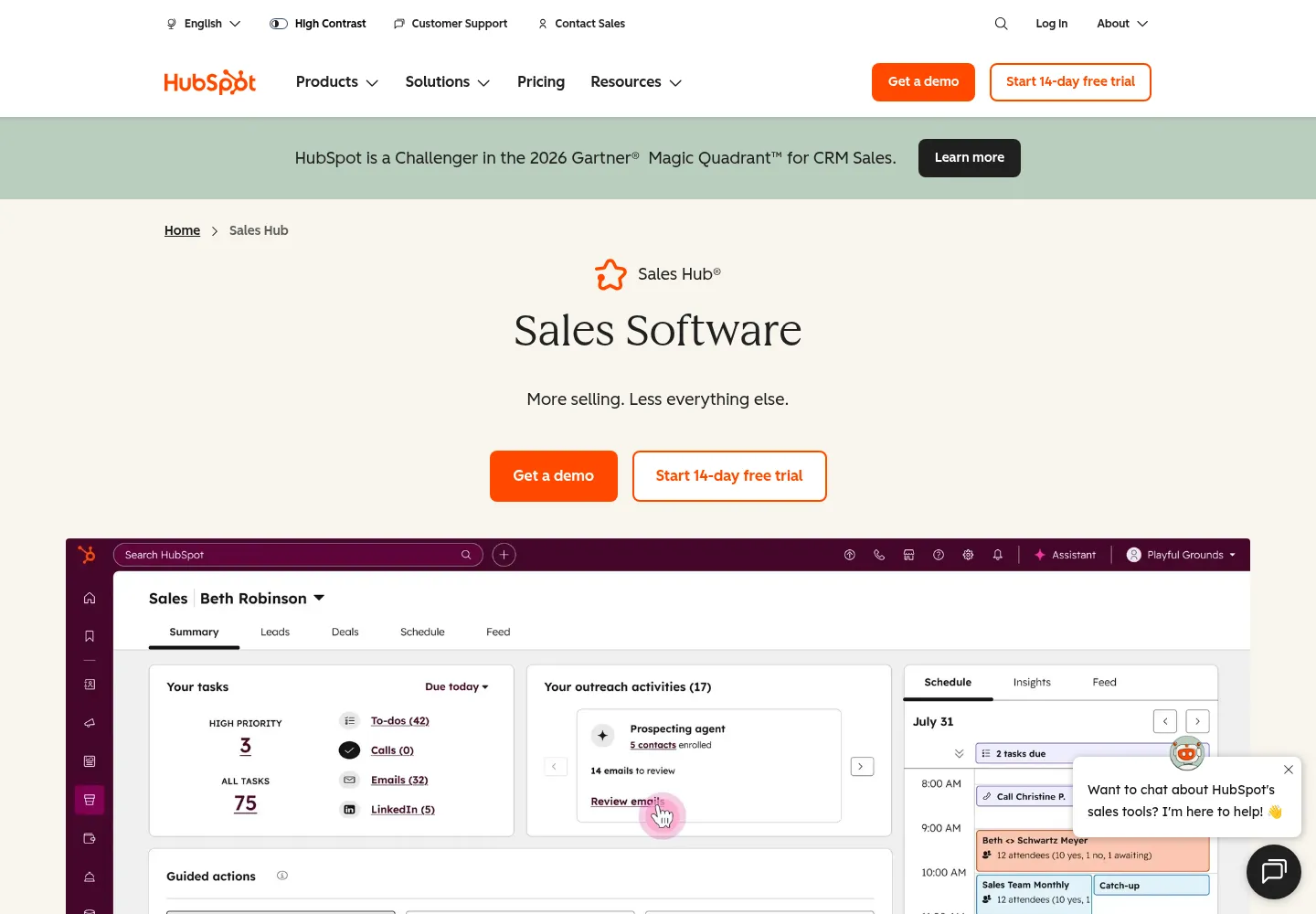
HubSpot can connect marketing, sales, and customer context, but the implementation determines whether your team trusts it. This guide focuses on record ownership, routing, clean enrichment, and measurable handoffs.
Read the implementation guide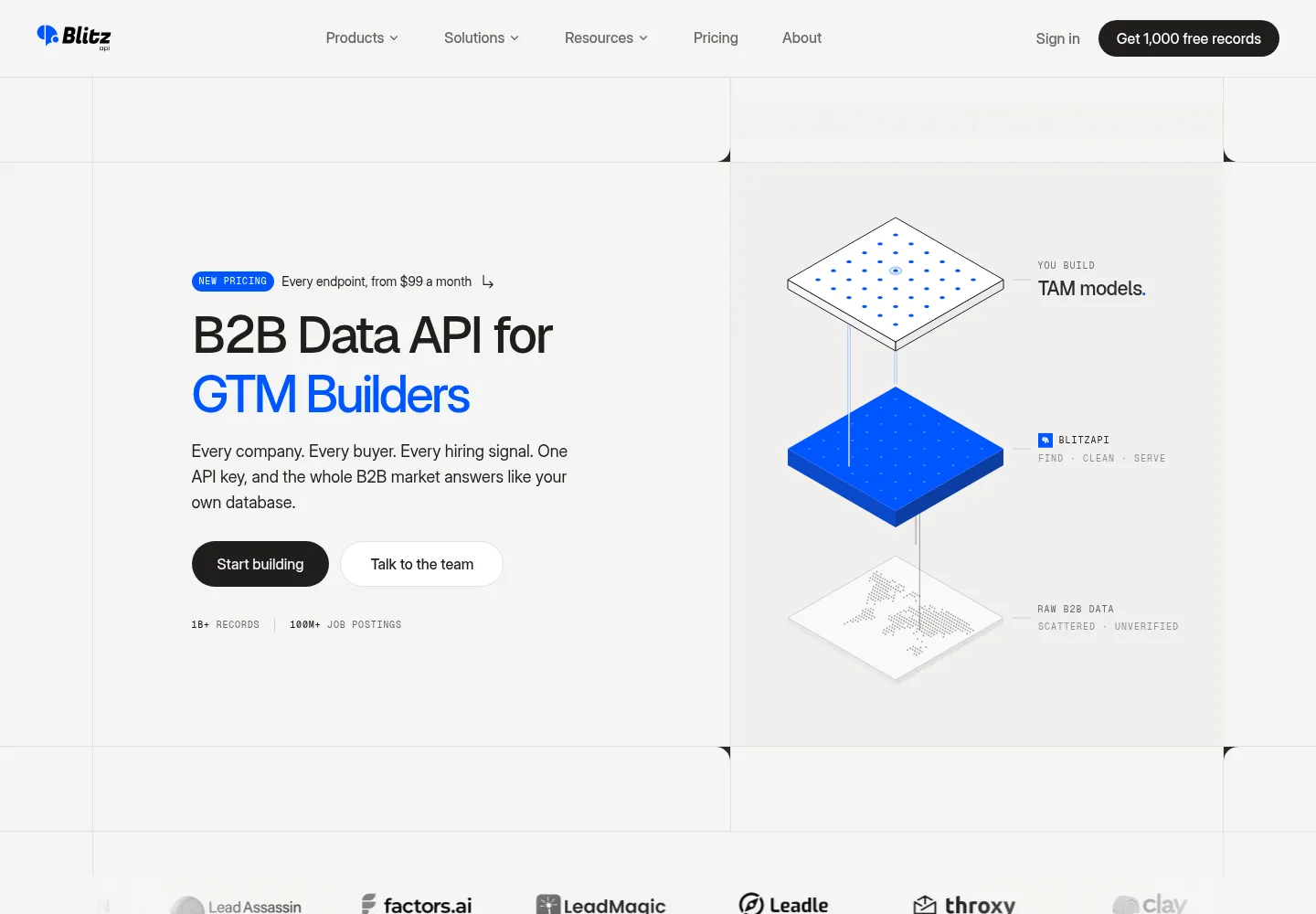
BlitzAPI is a strong fit when your team needs B2B data inside a repeatable workflow. The important decisions are which accounts deserve enrichment, which persona comes first, and how accepted records reach sales.
Read the implementation guide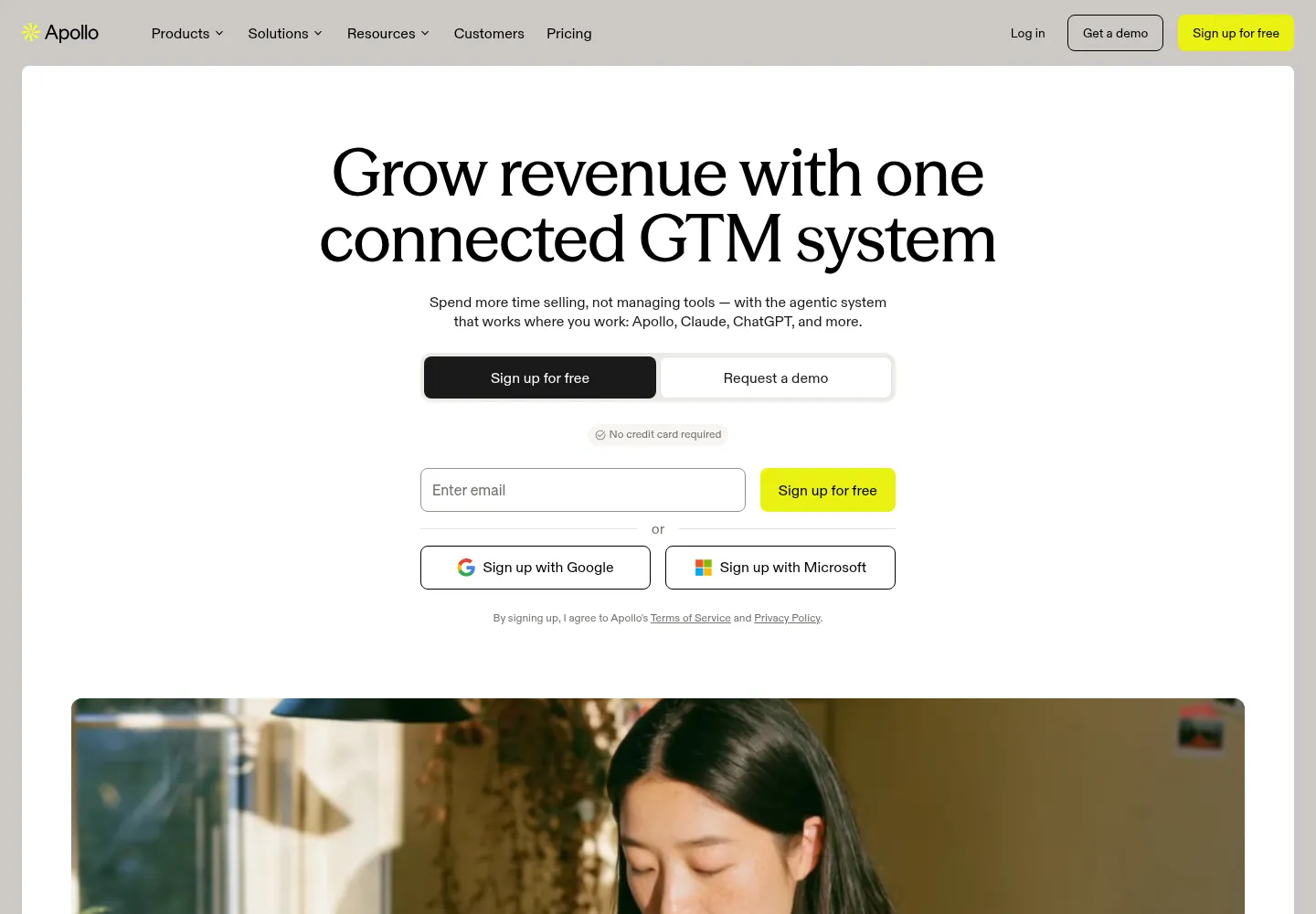
Apollo combines B2B prospect data with sales execution. The right evaluation tests your actual audience, distinguishes searching from enriching, and measures usable contacts instead of database size.
Read the implementation guide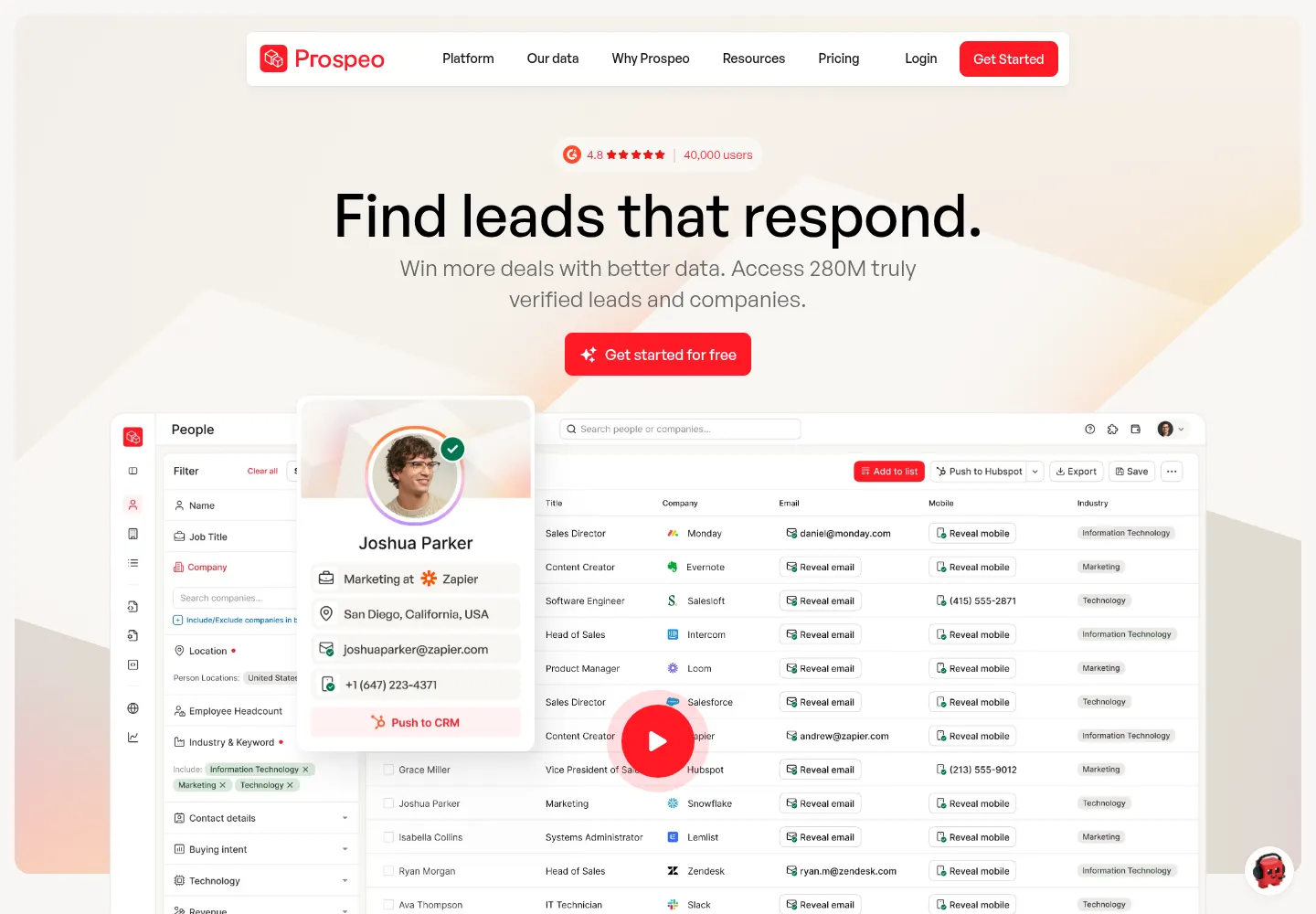
Prospeo can turn an identified prospect into a usable contact record. Build around accurate matching, selective mobile enrichment and clear CRM rules instead of treating every exported row as a qualified lead.
Read the implementation guide
Discolike is useful when industry labels miss the companies you want. Its real value depends on a clear market definition, representative seed accounts and a validation step before contact enrichment.
Read the implementation guide
Grok Bot can research accounts and carry work across connected apps. Its value depends on a clear assignment, evidence standards and a review step before business records or campaigns change.
Read the implementation guide
Hermes Agent connects model reasoning with tools, reusable skills and persistent context. For GTM teams, the useful outcome is a reviewed workflow that carries audience strategy through to a campaign draft.
Read the implementation guide
n8n connects events, data providers and revenue systems through explicit workflows. The most valuable implementation includes duplicate prevention, error recovery and ownership, not just a working canvas.
Read the implementation guide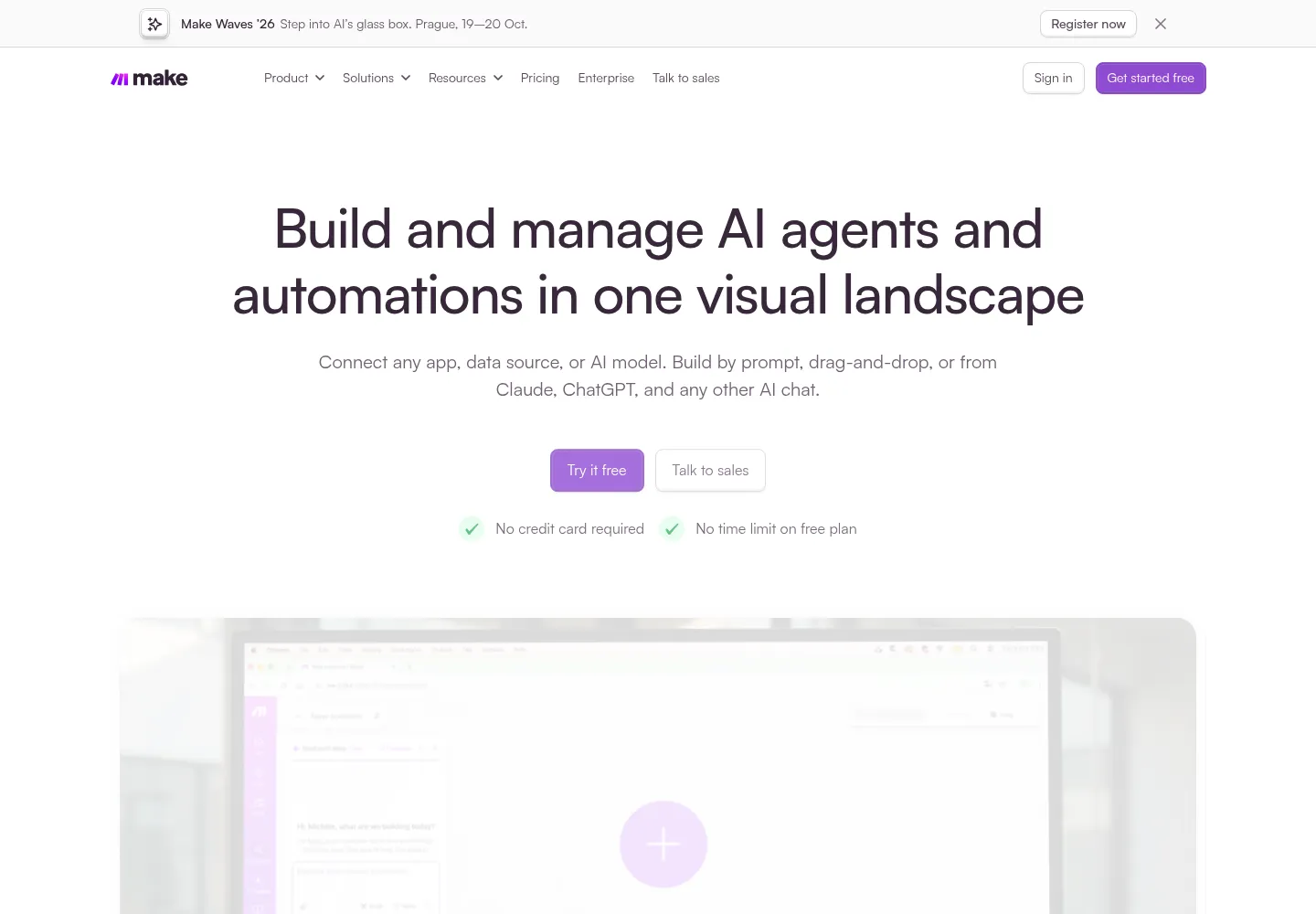
Make connects apps through visual scenarios. For a GTM team, a good scenario assigns the right owner, preserves context and exposes exceptions while keeping credit consumption understandable.
Read the implementation guide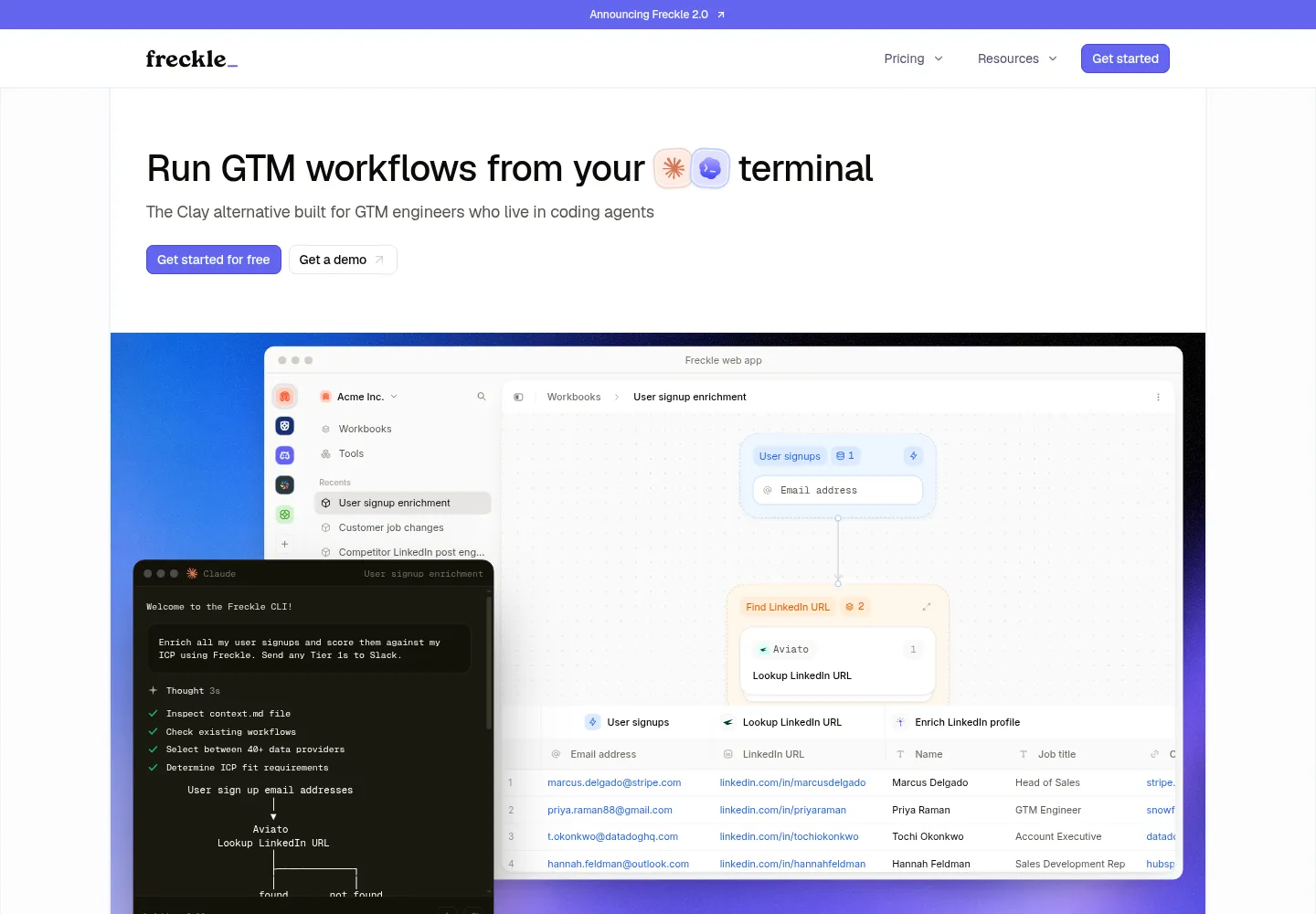
Freckle now positions itself around GTM workflows operated from coding agents. This guide explains what to evaluate, how to design a reusable enrichment process, and what to confirm before committing production data.
Read the implementation guide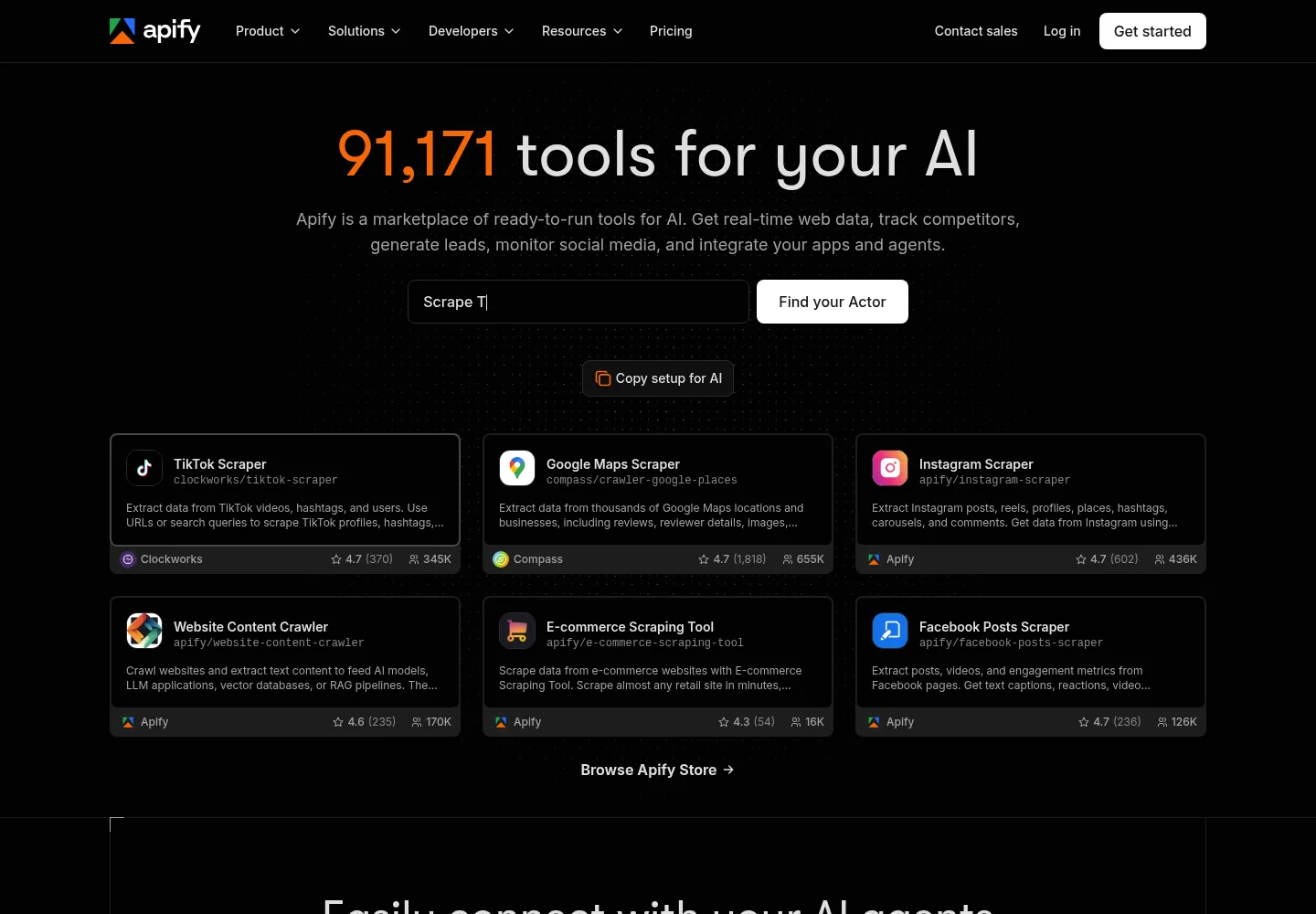
Apify can collect information that is difficult to obtain from a standard database. A useful implementation turns Actor output into qualified, traceable records with predictable costs and a clear recovery process.
Read the implementation guide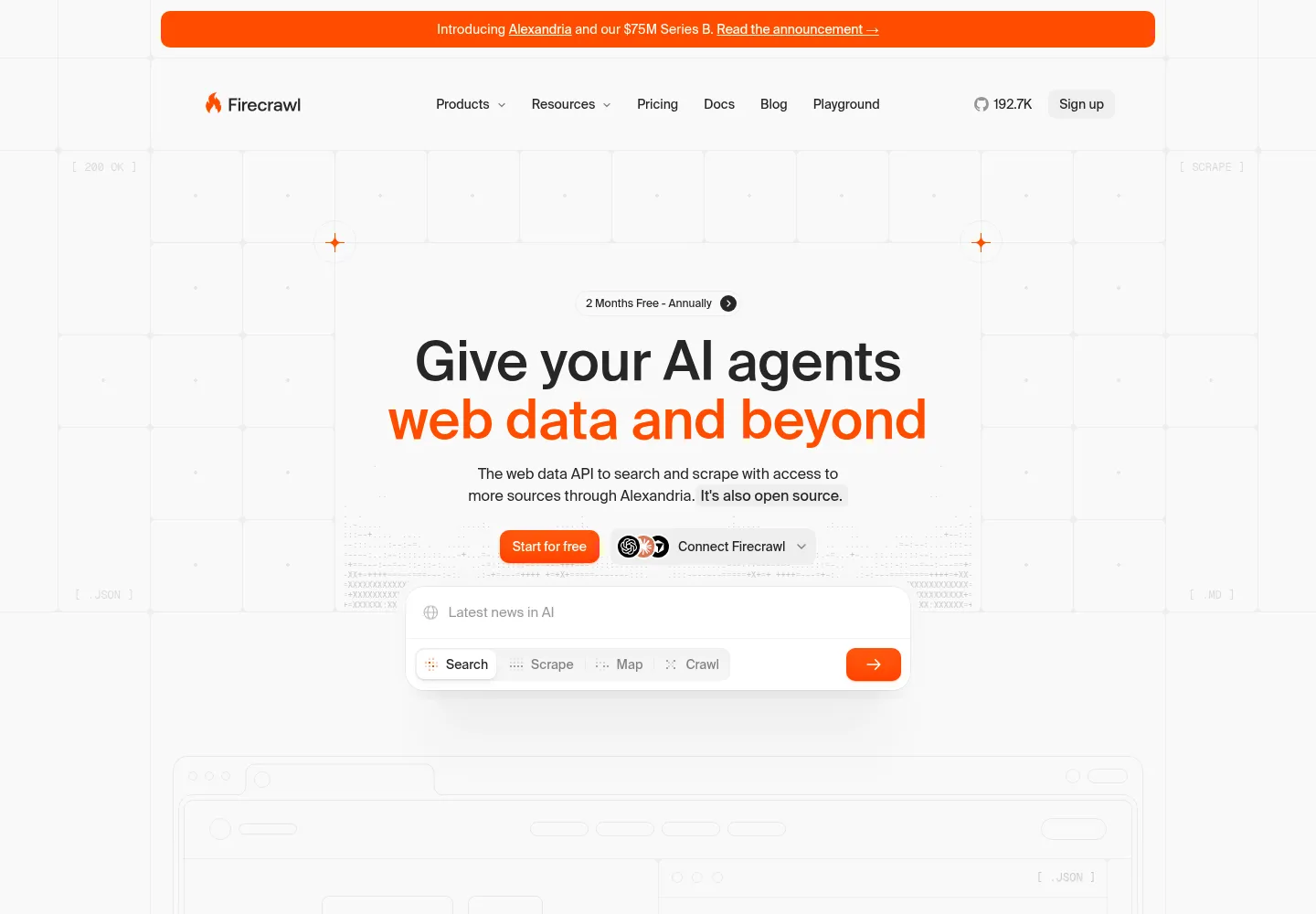
Firecrawl helps turn public websites into usable research. The best GTM workflows retrieve only relevant pages, preserve evidence and distinguish a missing fact from a negative answer.
Read the implementation guide
Jev is a decision model for software. It can help classify accounts and route leads, but the useful implementation starts with a clear taxonomy, labeled evaluation data and explicit rules for uncertainty.
Read the implementation guideNo guides match that search. Try a tool name or another category.
Is the problem finding the right accounts, validating data, starting conversations or handing leads to sales? Start with the outcome.
Use a representative sample. Check identity, evidence, costs, errors and the work your team has to do after the tool finishes.
Agree who owns each field and next action. Build the integrations, reporting and instructions that make the system maintainable.
Work directly with senior people who understand sales, marketing and the technical work. We can help choose, connect and implement the tools around your team.
Discuss your implementationAudience and offer strategy. Data and research. Campaigns and CRM handoffs. AI workflows, monitoring and team documentation.
Implementation pricing is custom. The initial discovery call is complimentary.
See our workflow examplesThe best fit depends on the job. Clay supports research and data orchestration; outreach platforms coordinate campaigns; CRMs preserve ownership and pipeline; workflow tools connect the steps. Start with your bottleneck and evaluate the complete process.
Use an all-in-one product when it covers the required workflow well and reduces operating work. Add specialist tools when they provide a meaningful capability or quality improvement. Every connection needs ownership, monitoring and a reason to exist.
Include seats, credits, mailboxes, enrichment, model usage, integration work and human operations. Compare cost per accepted record or qualified conversation, not just the subscription price.
Yes. We can audit the existing process, improve the setup and connect it to the rest of your GTM. We work within your tools and document the system for your team.
frontBrick offers paid implementation and has verified relationships with selected vendors. Relevant profiles are disclosed in the guides. We explain limitations and alternatives, and distinguish official product facts from our implementation recommendations.
Three custom-built frontBrick templates we use to make ABM and outreach more relevant. Copy them into Clay and adapt them to your market.
Leave your email to get all three templates, plus practical GTM + AI workflows for your next campaign.
Templates are free. Clay and provider usage costs are separate.
