
AI sales tools / Web research & extraction
Apify for lead generation: Actors, pricing and reliable workflows
Apify can collect information that is difficult to obtain from a standard database. A useful implementation turns Actor output into qualified, traceable records with predictable costs and a clear recovery process.
By Stan, Co-Founder & CEO at frontBrick · Reviewed October 18, 2026 · 7 min read
Apify is a cloud platform for running web scraping and automation programs called Actors. It fits teams collecting structured public-web data, using specialist marketplace scrapers or building recurring research workflows that feed a CRM or enrichment system.
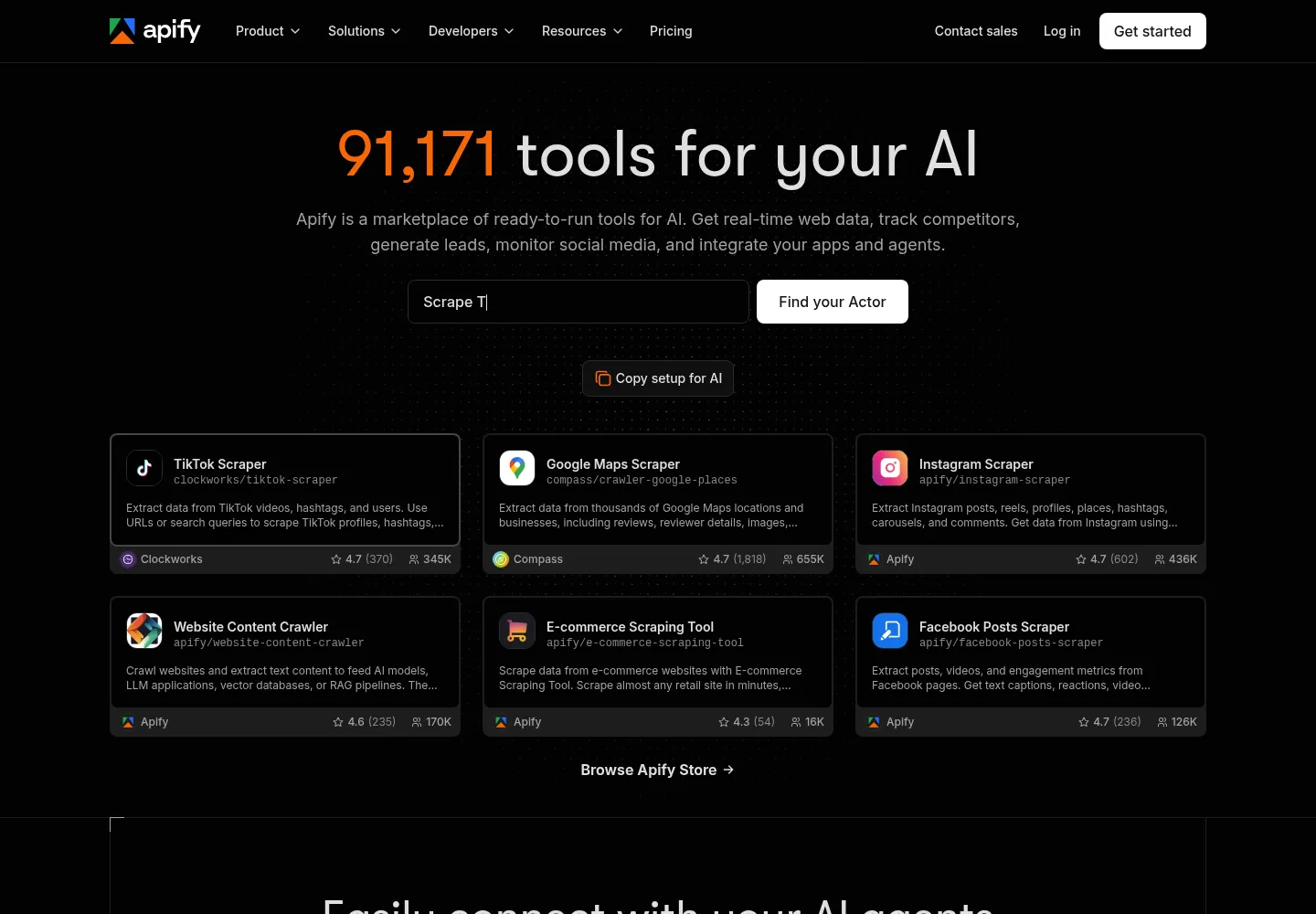
What Apify adds to a GTM system
Apify is useful when your target market leaves evidence on websites, directories, job boards or specialist platforms. It provides a way to collect that evidence repeatedly instead of asking someone to copy rows manually. The output might be companies, locations, job listings, reviews or website content.
The platform runs Actors, which are individual scraping or automation programs. Some are maintained by Apify; others come from independent developers. An Actor's supported sources, input settings, output fields and billing determine whether it fits your project. Evaluate the specific Actor, not only the Apify brand.
Choose it when you need a repeatable source-specific collection process. If you already have a company list and only need verified work emails, a contact-data provider may be simpler. If you need readable content from a few known websites, Firecrawl may be a more direct starting point.
Actors, tasks, runs and datasets explained
An Actor is the program. A task saves its configuration so the same setup can be reused. A run is one execution of that configuration. Its dataset contains structured output when the Actor writes results there. Those distinctions matter when automating research.
For example, “collect UK commercial maintenance businesses” is a business request. The implementation might use a particular directory Actor, a saved input defining the location and query, a scheduled run, and a dataset that is normalized before CRM import.
Do not assume all Actors accept the same input fields or return the same schema. Read the Actor's README and input definition. Check recent maintenance, documented limits, pricing and a small sample output before building anything around it. The Store documentation explains why each Actor needs its own evaluation.
A proposed workflow for a regional B2B market
Suppose your company sells software to commercial maintenance providers. Your account discovery depends on local business listings and company websites. This example describes a proposed implementation, not a tested client result.
- Define the territory and category. Separate commercial contractors from residential-only providers. Write exclusions before choosing search terms.
- Select and sample an Actor. Run one small geographic area. Inspect whether the output contains useful business identifiers, website links and source URLs.
- Normalize the results. Standardize domains and locations. Preserve the original listing identifier so branches do not accidentally become duplicate companies.
- Verify the offer fit. Read company websites for evidence of commercial work. Route ambiguous businesses to review.
- Apply CRM suppression. Exclude customers, active opportunities and previously rejected accounts before contact lookup.
- Enrich relevant people. Use a contact provider for agreed personas. A public business telephone or generic inbox is not automatically the right buyer.
- Stage the campaign. Give sales the source, fit reason, contact and account owner. Only accepted rows move to messaging.
Keep branch-level data even when sales works at parent-company level. It can explain account scale, territory and routing without causing the CRM to contain several copies of the same buying organization.
The output contract that makes data usable
The following are recommended internal fields. Map them from the chosen Actor's actual schema rather than assuming these names exist in its response.
| Field | Purpose | Quality check |
|---|---|---|
| source_record_id and source_url | Trace a row to its original listing | Required before deduplication |
| normalized_domain | Join to CRM accounts and enrichment | Review missing, shared or redirected domains |
| location_key | Distinguish branches from duplicates | Use an agreed address normalization rule |
| observed_at and run_id | Show when and how data was collected | Retain both through every transformation |
| fit_decision and evidence | Explain why sales should act | Support accepted status with a relevant fact |
| crm_account_id | Prevent repeat imports | Update an existing account when the key already exists |
Store raw output separately from normalized records. If a mapping error changes a country code or drops a website field, you can repair it without paying to collect the entire list again. Keep only the data needed for the agreed business purpose.
Connect runs to your workflow without losing results
Apify documents both synchronous and asynchronous API patterns. A short synchronous run can return results directly, but the request has a time limit. For longer work, start the run, store its ID, wait for completion through polling or an appropriate webhook, then retrieve the dataset. The official API guide provides both approaches.
A robust sequence is: create run, persist run ID, wait, verify terminal status, fetch all required dataset pages, validate the output, then commit accepted records. A network timeout should not automatically start a second run. First check whether the original run is still working or has already finished.
Record the Actor and configuration version used. When a source changes its website or an Actor changes its output, compare the new sample before allowing automatic CRM writes. A technically successful run can still return an empty or changed dataset.
Apify pricing: platform costs and Actor costs
Reviewed 18 October 2026: Apify offers $5 of monthly usage on Free. Paid monthly plans start at $19 for Starter, $199 for Scale and $999 for Business, with usage-based charges beyond included allowances.
Actor billing varies. Pay-per-event Actors charge for defined events such as returned results or starts. Most include platform usage, but some charge it separately. Pay-per-usage Actors consume platform resources. Read the selected Actor's pricing before estimating cost. Older rental-model explanations may be outdated following the October 2026 transition.
For compute-based usage, one compute unit represents 1 GB of memory for one hour. Starter lists $0.20 per compute unit. A run using 2 GB for half an hour therefore consumes one compute unit, before any other charges. Proxy, storage, transfer and Actor-specific fees can change the total.
Set result limits and supported charge caps before scaling. Budget by accepted, unique accounts, not raw rows. If half a dataset is duplicate locations or wrong-fit businesses, the cost of useful output is higher than the advertised price per result.
Apify versus Firecrawl and a contact database
| Task | Starting point | Reason |
|---|---|---|
| Collect structured data from a specific platform | Apify | A suitable maintained Actor may handle source-specific behavior |
| Read and structure known company websites | Firecrawl | Its web-content workflow can be simpler for this scope |
| Find verified details for an identified buyer | Prospeo or another contact provider | Scraped public information is not the same as verified contact enrichment |
| Combine discovery, qualification and routing | Clay or n8n | Orchestration coordinates the data sources and business rules |
These are starting points, not universal rankings. Compare a small real workload and the maintenance required. A cheaper scraper can become expensive when someone spends hours repairing its output.
Failure modes and acceptance checks
- Empty output: distinguish no matching businesses from blocking, a changed page or incorrect input.
- Partial run: inspect status and logs before treating a smaller dataset as complete.
- Schema changes: validate required fields and types before importing anything.
- Repeated runs: deduplicate by source identifier and business entity, not row number.
- Cost growth: compare billed usage with accepted records and alert on unusual ratios.
- Source restrictions: use an appropriate access method and respect the site's terms and the data's intended use.
Track collection success, accepted-account rate, duplicate rate, missing-domain rate, cost per accepted account and downstream qualified conversations. Keep technical completion separate from commercial usefulness.
Apify implementation with frontBrick
frontBrick can connect source selection to the GTM outcome: Actor evaluation, configuration, account qualification, enrichment, CRM mapping and campaign staging. A handover should include the source contract, saved settings, field dictionary, monitoring, budget controls and a recovery procedure for failed runs.
Discuss your research workflow with Stan. Discovery is complimentary and implementation pricing is custom.
Apify buyer questions
Is Apify a lead database?
It is primarily a platform for running collection and automation tools. Some Actors provide prospecting data, but their sources, quality and pricing differ. Evaluate the individual Actor.
Can I use Apify without writing code?
Many Actors have configurable forms and downloadable results. Recurring production workflows still need someone to own input quality, mapping, exceptions and the destination system.
Does the subscription cover every Actor?
No single pricing assumption covers all Actors. Check event or usage charges, what platform resources are included and whether downstream dataset operations add cost.
What happens if the API request times out?
Check the stored run ID before starting again. The run may still be executing. An asynchronous design separates job execution from the connection that requested it.
Are scraped emails ready for outreach?
Not automatically. Confirm identity, relevance and contact quality, apply exclusions, and use an appropriate sending process. A visible address is not a qualification decision.
What should we test before scaling?
Test source coverage, required fields, duplicates, pagination, partial failures, cost and CRM reconciliation. Approve the useful records and recovery behavior before increasing volume.
Explore the connected tools
- Firecrawl implementation guide
- Clay implementation guide
- n8n implementation guide
- Prospeo implementation guide
- HubSpot implementation guide
Sources and editorial notes
Product facts and prices were checked against the sources below on October 18, 2026. Workflow recommendations are frontBrick’s implementation guidance. Examples are illustrative unless linked to a named case study. We offer paid implementation, and verified partner relationships are disclosed above.
