
AI sales tools / CRM & revenue operations
Attio CRM: a practical guide to data, workflows, and handover
Attio is flexible enough to model a modern revenue process, but flexibility needs ownership. Use this guide to design the data, budget the automation, and connect research to a next action.
By Stan, Co-Founder & CEO at frontBrick · Reviewed October 18, 2026 · 8 min read
Attio is a configurable CRM with relationship data, enrichment, workflows, and AI features. It is a strong candidate for B2B teams that want a flexible revenue data model and are willing to define how that model should work.
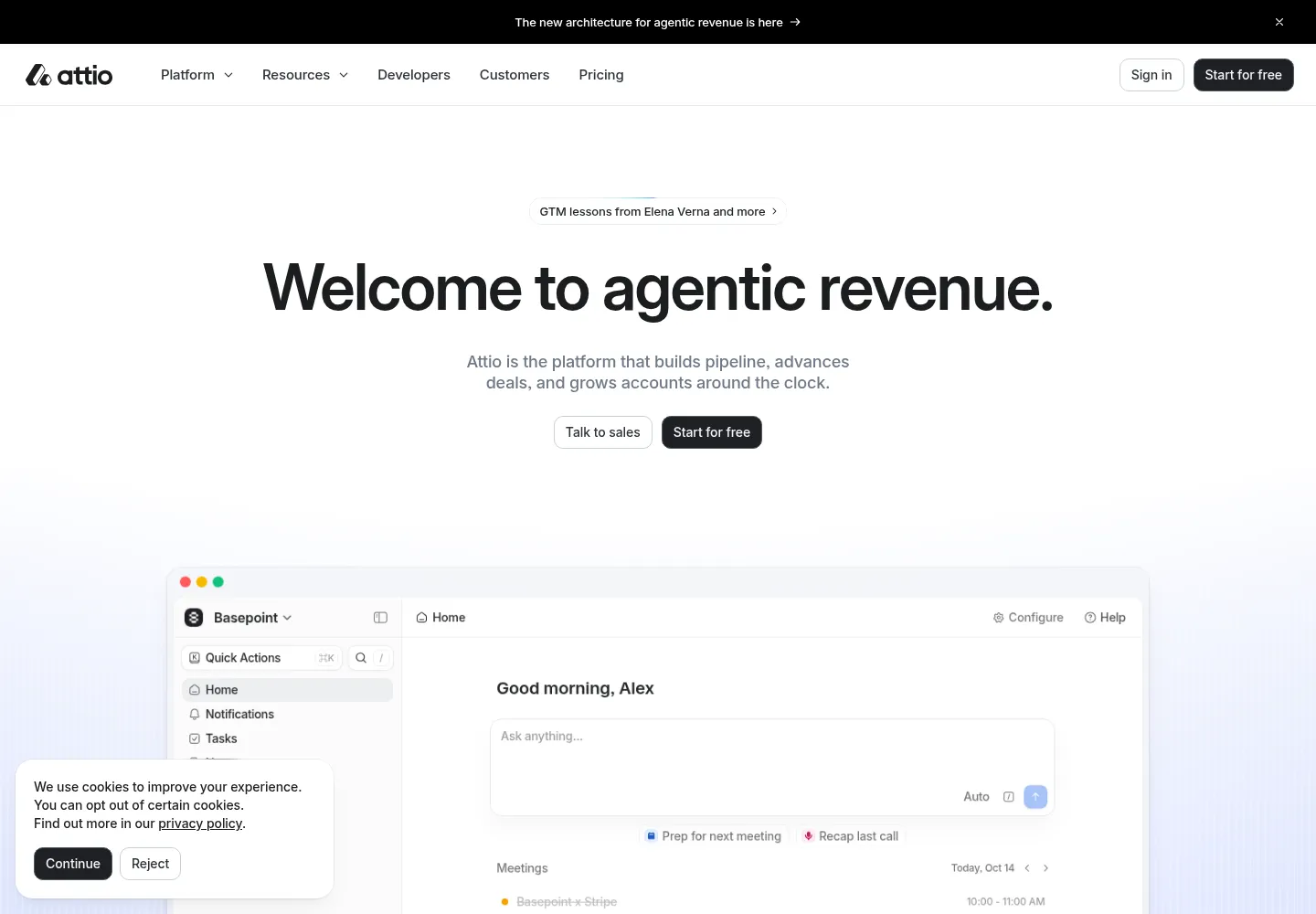
Reviewed October 18, 2026. Product details below are based on official documentation. The implementation examples are proposed designs, not claims about a tested customer deployment.
What Attio is best at
Attio gives teams a flexible way to organize companies, people, deals, and other business entities. It combines relationship context with automation and AI features. The attraction is being able to shape a CRM around how your business sells, partners, or expands accounts, instead of forcing every process into one generic pipeline.
That flexibility also creates work. Before connecting enrichment or asking an agent to update records, someone must decide what each field means, which source can change it, and what happens when information conflicts. A clean-looking workspace can still contain a badly designed revenue process.
Attio is worth evaluating when you need tailored account relationships and connected workflows. If your primary requirement is a broad suite spanning marketing campaigns, customer support, and sales, compare the full HubSpot configuration rather than comparing only CRM seat prices.
Start with the right data model
Attio distinguishes object attributes from list attributes. Object attributes belong to records across the workspace; list attributes hold information specific to one process. This matters when the same company participates in several motions. A business’s domain is shared identity. Its status in a particular partner recruitment campaign is process-specific.
Use a view when you only need a filtered presentation of existing data. Add a list when a process needs its own fields or access. Consider a separate object when you need to track distinct entities with their own relationships and reporting. Attio’s documentation provides this decision framework; applying it carefully avoids redundant pipelines.
A proposed account-development field map
| Information | Recommended location | Update rule |
|---|---|---|
| Company domain and source ID | Company record | Normalize before import; retain stable identifiers. |
| Customer status and account owner | Shared company attributes | Your commercial system or named owner controls changes. |
| Fit assessment with evidence | Shared attributes if used across motions | Store source and checked date beside the conclusion. |
| Campaign research status | Campaign list attribute | Pending, reviewed, rejected, or ready for handoff. |
| Buying opportunity | Deal record | Create after agreed qualification, not for every imported lead. |
| Campaign-specific reviewer | List attribute | Assign explicitly; do not overwrite the account owner. |
This is a suggested model. Choose the smallest structure that can answer your actual reporting questions. Before adding another custom object, ask whether the team needs to report on multiple instances over time or simply store a current value.
A workflow from incoming lead to accountable follow-up
Take an inbound request that needs enrichment, qualification, and an owner. The desired output is an actionable record, not a paragraph of AI research.
- Establish identity: find the existing person and company using your chosen matching rules. Preserve their relationship and any prior conversation.
- Protect existing relationships: route current customers and active deals to the existing owner before assigning new business.
- Enrich selectively: fill required gaps. Write uncertain external data into proposed-value fields rather than replacing sales-confirmed information.
- Evaluate fit: separate explicit facts from inferred fit. Missing data should create a review task instead of silently becoming a rejection.
- Assign ownership: use territory or segment rules, with a fallback owner when the rule cannot resolve.
- Create the next action: record the source, reason for priority, and an expected response time. Escalate overdue items.
- Close the loop: capture accepted, rejected, or recycled outcomes and reasons so marketing can improve the inputs.
Attio workflows support triggers, conditions, and actions, including scheduled and webhook-driven activity. Build the narrowest useful process first. Publish it after a controlled test, then add complexity based on observed exceptions.
Sequences are a specific capability, not a blanket sending strategy
Native sequences are available on Pro and Enterprise. Attio describes them as particularly suited to existing customers and warm leads who expect communication. They support timed email steps, exit criteria, and enrollment from records, lists, or workflows. The enrollment target must ultimately resolve to a person.
For a cold acquisition program, evaluate the sending platform, recipient suitability, mailbox setup, and suppression process separately. Having a CRM sequence feature does not by itself make every prospect eligible for enrollment. A practical starting use case is following up after a requested demo or reconnecting with an existing customer.
Check field availability before writing templates. Attio’s email documentation says variables use person or company object attributes, rather than list attributes. If personalization only exists on a campaign list, decide how to map the approved value or use another delivery handoff.
Attio pricing and the automation cost that follows
The official pricing page reviewed October 18, 2026 lists Free for up to three seats, Plus at $44 per user/month monthly or $35 on annual billing, and Pro at $99 monthly or $79 on annual billing. Enterprise is custom. Plus includes 1,500 monthly workspace credits; Pro includes 10,000. Individual seat credits are a separate allowance. Check your required object, permission, and sequence features before selecting a tier.
In the new workflow billing model, triggers, logic, and data lookups are free. Actions such as data writes and task creation consume credits; AI usage varies. Legacy workflows use a different model, so identify which version your workspace is running before estimating or migrating.
For illustration, processing 1,000 leads with one data write and one task each consumes 2,000 action credits under the documented one-credit-per-action rules, before any AI or other charged steps. If the business needs only one task per qualified lead, filter earlier. Spend should follow useful outcomes rather than the number of rows entering the system.
Total cost includes seats, additional credits, enrichment providers, integration maintenance, and implementation. A lower seat bill is not a saving if the team needs a separate system to cover its core marketing or support requirements.
Attio versus HubSpot: choose around the operating model
| Decision | Attio consideration | HubSpot consideration |
|---|---|---|
| Revenue data structure | Evaluate flexible records, lists, and relationships against your process. | Evaluate the standard CRM structure and the capabilities of the hubs you buy. |
| Marketing and service scope | Map the separate tools you will retain and how their data returns. | Assess whether consolidating more functions justifies the broader subscription. |
| Automation economics | Model workspace credits, AI usage, and external providers. | Model seats, hub tiers, contacts where applicable, and onboarding. |
| Migration | Rebuild meaningful relationships and process states, not just rows. | Audit history, associations, permissions, and reporting before moving. |
Neither choice removes the need for process design. Ask both vendors to demonstrate your own difficult case: two people at one account, an existing opportunity, a new request, and a change of owner. The result should preserve context without generating duplicate work.
Implementation checks before the team relies on it
- Identity: the same incoming record twice produces one intended record and one next action.
- Ownership: an existing customer goes to its current owner, and a missing territory reaches a fallback queue.
- Permissions: users see the records and communication detail they need for their role.
- Research: contradictory enrichment does not overwrite a verified field without review.
- Automation: an attribute update does not repeatedly trigger its own write action.
- Recovery: a failed external call can be retried without duplicating enrollment or tasks.
Use a test set containing duplicates, blank values, customer accounts, active deals, and a contact who changes companies. This is more revealing than demonstrating the happy path with one clean lead. Check the outcome in the CRM and the downstream system, not only a green workflow status.
Measure adoption and hand over ownership
Track unassigned records, response time, records missing essential fields, duplicate actions, and accepted opportunities by source. For AI-assisted research, sample the accuracy of the fields the team actually uses. For workflow costs, record credits per successfully routed lead and investigate changes after a configuration update.
The handover should contain a data dictionary, source-priority rules, integration permissions, workflow diagrams, a test set, and a short recovery procedure. Name the person who approves schema changes. Otherwise each new request can create another near-duplicate field and undermine reporting.
frontBrick can design the commercial process and implement the Attio workflows around it, with documentation your team can operate. Pricing is custom to scope. Book a complimentary discovery call with Stan to map the process before buying extra software.
Buyer questions about Attio
Is Attio a replacement for HubSpot?
It can replace a CRM use case when its data model and workflows meet your requirements. It is not a like-for-like replacement for every combination of HubSpot sales, marketing, and service products. Inventory those dependencies before migrating.
Can nontechnical teams use Attio?
Yes. The important requirement is clear process ownership, not coding for every task. More complex integrations may need technical help, but everyday records, views, lists, and workflow decisions should be documented for the operating team.
What is the difference between an object and a list attribute?
An object attribute is shared across records of that type throughout the workspace. A list attribute belongs to a specific list process. Put shared account facts on the record and process-specific tracking on the relevant list.
Does Attio have email sequences?
Yes, on Pro and Enterprise. Evaluate them for appropriate follow-up, especially warm relationships. Confirm sender access, eligibility, exit conditions, and the attributes available to personalize the message.
Why can automation cost more after migration?
New and legacy workflows have different charging models, and AI consumption can vary. Recalculate the actual executed steps and run a limited comparison before switching a high-volume process.
Can Clay enrich Attio?
You can design a Clay-to-Attio enrichment workflow using the available integration or API path appropriate to your setup. Define matching keys, write permissions, freshness, and overwrite rules first. An enrichment tool should not silently become the owner of your sales-confirmed data.
Explore the connected tools
- HubSpot implementation guide
- Clay implementation guide
- n8n implementation guide
- Twain implementation guide
Sources and editorial notes
Product facts and prices were checked against the sources below on October 18, 2026. Workflow recommendations are frontBrick’s implementation guidance. Examples are illustrative unless linked to a named case study. We offer paid implementation, and verified partner relationships are disclosed above.
