
AI sales tools / Outreach & messaging
Twain: our pick for deep research and relevant outreach sequences
Our preferred research and sequence-writing layer. Give Twain your leads, LinkedIn URLs, offer and writing style, then move researched messages into your existing outreach tools.
By Stan, Co-Founder & CEO at frontBrick · Updated October 19, 2026 · 10 min read
Twain researches prospects and writes outreach sequences using your offer, instructions and lead context. It is frontBrick’s preferred tool for this job, and High is our default research mode for the depth we want in everyday campaigns.
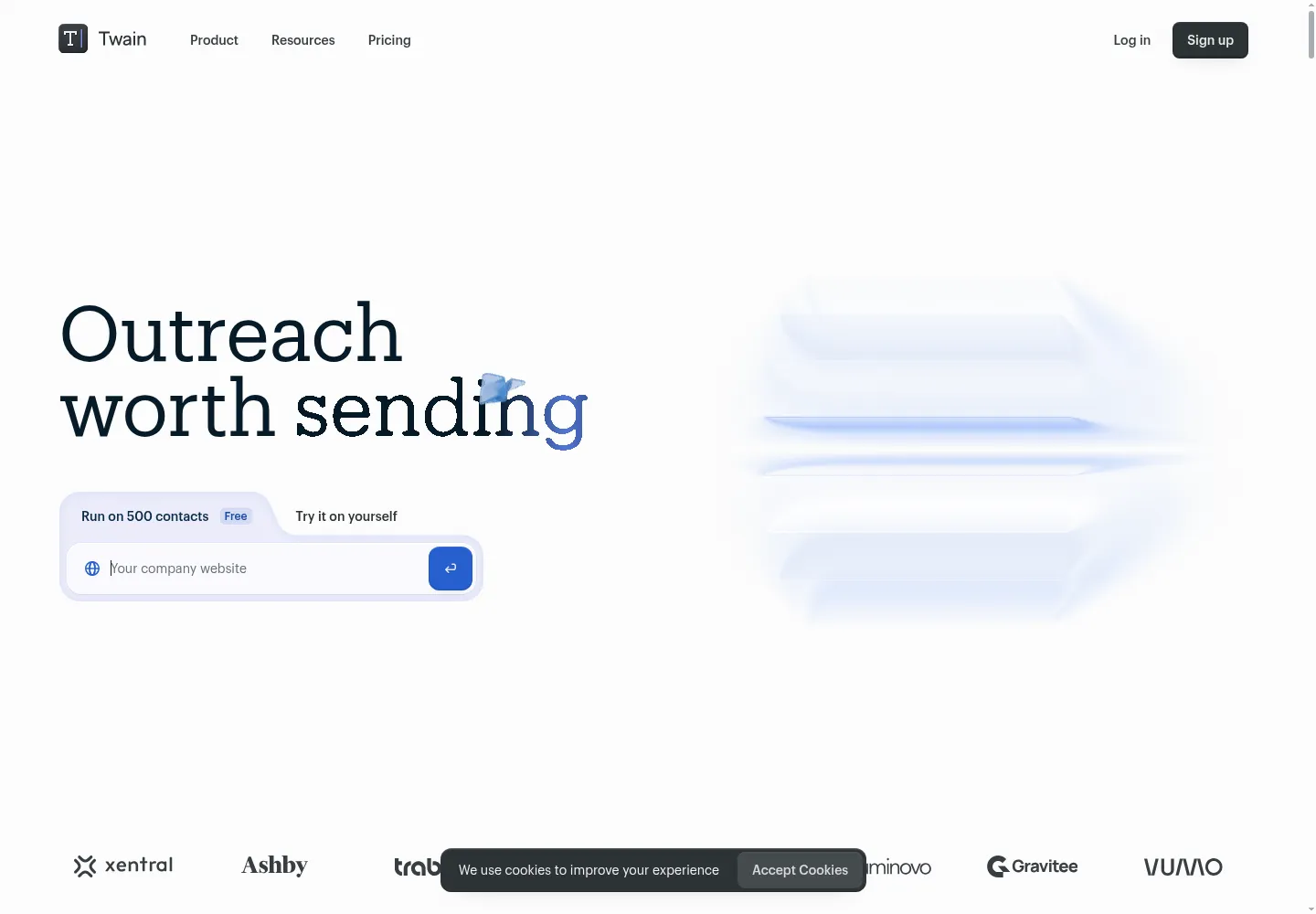
Stan's take: why we use Twain
Twain is our favorite platform for prospect research and sequence writing. The value is the connection between the two: research should change what you say, not merely produce an interesting fact to paste into the first line.
We supply the leads and their LinkedIn URLs, explain the offer and give Twain guidance on our writing style. It researches the person and company, then builds a sequence around relevant context. In our experience, this produces more natural, useful drafts than asking a generic AI writer to personalize a template.
Our recommendation: start with High. It gives us enough depth for most of the outreach we want to run. Use a clear brief and examples of your voice, then check whether the research actually supports the proposed message.
Twain use cases and the features we value
| Use case | Feature | Why we use it |
|---|---|---|
| Understand the buyer before writing | Prospect and account research | Use lead details and LinkedIn URLs to develop relevant context. |
| Write in the team’s voice | Offer brief and style instructions | Produce drafts that sound closer to your own communication. |
| Balance depth and cost | High research mode | Our default for the depth we want in everyday campaigns. |
| Go deeper on selected accounts | Ultra mode | Add more research and planning when the account justifies it. |
| Keep the existing sending platform | Connections with Clay, HubSpot and sequencers | Pass researched sequences to lemlist, Instantly, Smartlead or the platform your team uses. |
Base, High or Ultra: our default is High
| Mode | What it adds | How we would use it |
|---|---|---|
| Base | Account and contact research, followed by a sequence from your instructions | A straightforward brief where research depth is less demanding |
| High | Broader research and a Thesis connecting fit, timing and your offer | Our default for relevant, researched campaigns |
| Ultra | The deepest research plus a Strategy shaping the sequence | Selected accounts where more research and planning justify the additional credits |
These are generation modes, not three separate subscriptions. The current costs are 1 credit per lead for Base, 2 for High, and 8 plus 2 per sequence step for Ultra. Check the mode and credit breakdown before a large run.
Put Twain between your lead source and your sequencer
Twain connects with HubSpot, Clay, lemlist, Instantly, Smartlead and other tools. Use the source system to supply lead identity and account context, let Twain research and write, then pass the output to the platform responsible for sending. API and MCP access support custom workflows too.
A practical setup is Clay for qualification, Twain High for research and sequences, and your chosen outreach platform for execution. Another is a HubSpot list flowing into Twain and then back into the team's workflow. Confirm which fields move in each direction, especially the message steps and research your reps need. Twain's integration FAQ describes the supported connections.
What Twain does, and where it belongs
Twain researches accounts and people, assesses whether there is a useful reason to contact them, and generates outreach using that context. Its current product goes beyond the email-rewriting assistant described in many older reviews. It is also a different product from TwainGPT, the text-humanizing tool that appears in some search results.
The useful buying question is whether your bottleneck is finding a credible reason to start a conversation. If you already know the audience and have working delivery infrastructure, Twain can sit between qualification and your sequencer. It does not remove the need to decide who should receive a message, what you can credibly offer, or how replies will be handled.
Who should use Twain?
- A good fit: a sales or GTM team researching named accounts, selling an offer that changes by persona, or needing better context than a company-name merge field.
- A conditional fit: an agency supporting several offers. Keep each client’s knowledge, proof, exclusions, and messaging rules separate.
- A poor starting point: a team with an undefined ideal customer profile, no evidence for its claims, or no process for responding to interested buyers. More polished copy will not resolve those gaps.
Start with a narrowly defined campaign. “Operations leaders at companies hiring their first regional team” gives research a job. “Anyone who might buy our service” encourages plausible but unhelpful personalization.
Research depth, integrations, and the delivery boundary
Twain offers Base, High, and Ultra research modes. High is our default; change the depth when the account value or campaign brief warrants it. Its official FAQ lists connections with tools including Clay, HubSpot, Salesforce, lemlist, Instantly, Smartlead, and HeyReach. It also documents API and MCP access for running research and generation from another workflow. Confirm the particular import, export, and field behavior you need before buying around an integration logo.
Keep research generation and message delivery as separate responsibilities in your architecture. Your chosen sending platform still needs a sender, schedule, suppression rules, and reply handling. Exporting a draft successfully does not prove that the intended account was contacted correctly.
A proposed workflow: evidence first, message second
Imagine a consultancy helping B2B companies improve sales handoffs. This is an illustrative operating design, not a client result.
- Select accounts: use your CRM or Clay to identify a narrow segment. Exclude customers, active opportunities, competitors, and anyone suppressed from outreach.
- Supply context: send a stable contact ID, company domain, role, approved offer, and any relevant prior conversation. Do not rely on a company name alone to establish identity.
- Research: ask Twain to find evidence connected to the offer. A new commercial leader may justify further investigation; it does not prove that the company has a broken sales process.
- Qualify the angle: retain the source, date, and a short explanation of relevance. Route missing, contradictory, or stale evidence to review.
- Generate: write an opening and follow-up around the business issue. Allow the prospect to correct the hypothesis rather than presenting an inference as a fact.
- Approve and hand off: check the draft, map it to the right sequence variables, and record which version was approved. Let the delivery system manage sending and replies.
How to evaluate the output before scaling
Use a small, deliberately varied sample rather than twenty easy accounts. Include a well-known company, a sparse website, a recent job change, a similarly named business, an existing opportunity, and a person whose role does not fit. The test is whether the system rejects the wrong cases as reliably as it writes the right ones.
Review identity, source quality, relevance, and language separately. A message can be accurate but irrelevant. It can also be relevant while overstating certainty. Require the reviewer to answer: “Would we say this on a call if the buyer asked where it came from?”
For a controlled comparison, use the same input records and offer in two research modes. Measure approved drafts, substantive edits, and credits consumed. Do not choose a mode by which sample sounds most impressive. Choose it by the cost of a message your team would actually send.
Twain pricing and credit planning
On the official pricing page reviewed October 18, 2026, Starter lists 500 credits for $49/month or 1,000 for $99/month. Pro starts at 2,000 credits for $198/month. New accounts receive 500 trial credits for 30 days. Base uses 1 credit per lead; High uses 2; Ultra starts at 10. There is no per-seat charge. One-time packs require a subscription. Pro and Enterprise rollover is capped at three times the monthly allowance.
Budget by mode and approved output. An illustrative batch of 100 leads uses 100 Base credits or 200 High credits before any additional work. At the $99/1,000-credit tier, allocating those credits proportionally gives $9.90 or $19.80. That is a planning calculation, not a separate invoice price. Add your data source, sequencer, mailbox infrastructure, review time, and implementation costs.
Set a campaign budget before bulk generation. A rejected lead is still research work, so track spend against approved messages rather than only records processed. Confirm current pack, expiry, and regeneration terms in your account before committing a large run.
Twain versus Clay or a sequencer’s AI writer
| Need | Starting point | What to validate |
|---|---|---|
| Deep prospect context and tailored messages | Twain | Evidence relevance and approved-message cost. |
| Multiple data sources, custom enrichment, and broader routing | Clay | Workflow ownership, data quality, and operating cost. |
| Sending, scheduling, and managing a delivery campaign | Your sequencer | Sender setup, suppression, replies, and reporting. |
These tools can complement one another. If Clay already produces good research and your sequencer’s drafting is sufficient, adding another generation step may create more maintenance than value. If the team spends most of its time turning scattered sources into a credible angle, that is the part to pilot with Twain.
Failure modes and weekly measurement
Watch for stale events, mistaken identities, invented connections between a signal and your offer, unsupported customer claims, and duplicate exports. Treat web content as evidence, not instructions for your automation. Keep a “do not use” list for sensitive or irrelevant personal details.
Review five measures weekly: source-backed draft rate, approval rate without substantive edits, credits per approved message, positive replies per delivered contact, and qualified conversations accepted by sales. Open rates alone cannot tell you whether research improved the offer.
After a reply or suppression, prevent another research cycle from reactivating the contact. Record failures with enough context to rerun only the failed stage instead of paying to process the whole audience again.
Implementation and handover
frontBrick can help define the audience, offer logic, research brief, CRM field map, review gate, and sequencer handoff. A useful handover includes approved examples, rejection examples, a budget model, ownership rules, and a runbook for failed exports or changed integrations. Implementation pricing is custom to the workflow. Talk to Stan in a complimentary discovery call.
Buyer questions about Twain
Is Twain the same as TwainGPT?
No. This guide covers Twain at twain.ai, the B2B prospect-research and outreach product. TwainGPT is a separate product. Check the domain when comparing reviews and subscriptions.
Can I use Twain with Clay?
Yes, Clay is listed among Twain’s integrations. Define which platform owns qualification and which fields cross the boundary. Passing the same account through two research steps is only useful if each adds distinct information.
Does more research always produce better outreach?
No. Additional sources can improve context, but they can also add distracting detail. Evaluate the relevance and accuracy of approved messages, then compare that improvement with the added credit and review cost.
Can Claude use Twain?
Twain documents an MCP server and API access. An assistant can operate supported research and generation actions through those connections. Keep bulk processing budgets and delivery approval explicit when an agent controls the workflow.
Will personalized AI emails guarantee inbox placement?
No. Original wording does not guarantee delivery. Recipient relevance, address quality, sender configuration, reputation, volume, and complaint handling still matter. Treat delivery health as a separate operating responsibility.
What should I ask an implementation partner to deliver?
Ask for a working sample from input record to approved draft, its source evidence, its cost, and its failure path. Require documentation showing how your team changes the offer and stops a campaign without depending on the original builder.
Explore the connected tools
- Clay implementation guide
- lemlist implementation guide
- Instantly implementation guide
- Smartlead implementation guide
- HeyReach implementation guide
Sources and editorial notes
The product and pricing review is dated October 18, 2026. Stan’s first-hand notes and the linked feature updates were incorporated on October 19, 2026. Workflow recommendations are frontBrick’s implementation guidance. Stan’s recommendations and reported results reflect frontBrick’s experience. Suggested workflows are examples for implementation, not claims of measured client results. We offer paid implementation, and verified partner relationships are disclosed above.
