
AI sales tools / Outreach & messaging
HeyReach: our pick for connected LinkedIn automation
Our preferred LinkedIn automation platform for an easy-to-use sequence builder, multiple senders, Slack-connected workflows, strong integrations and clear campaign analytics.
By Stan, Co-Founder & CEO at frontBrick · Updated October 19, 2026 · 9 min read
HeyReach manages LinkedIn outreach across multiple sender accounts with campaign sequences, follow-ups, a unified inbox and reporting. It is frontBrick’s preferred LinkedIn automation platform for ease of use and integration with the wider GTM stack.

Verified HeyReach expert profile
View frontBrick’s official listing
We offer paid implementation. This guide includes fit, limitations and alternatives.
Stan's take: why we choose HeyReach for LinkedIn
HeyReach is our first choice for LinkedIn automation. We like its ease of use, visual sequence builder and the way it connects to the other tools in our stack. It is straightforward to organize outreach and follow-ups across senders without losing sight of the conversations.
The integrations and API are a major reason we use it. A workflow can prepare the audience elsewhere, hand qualified leads into a LinkedIn campaign, notify the team in Slack and carry responses back into the CRM. The interface and analytics make the operation easy to monitor.
Our recommendation: choose HeyReach when LinkedIn is a core channel and you want a dedicated execution platform that works well with your data, agents and sales workflow.
HeyReach use cases and the features we value
| Use case | Feature | Why we use it |
|---|---|---|
| Build a readable LinkedIn campaign | Visual sequence builder | Map the approach, conditions and follow-ups in an interface the team can understand. |
| Coordinate several senders | Multi-sender campaign management | Organize outreach across accounts; unlimited senders require an eligible plan. |
| Connect LinkedIn to the GTM stack | API, integrations and webhooks | Bring qualified audiences in and carry replies and outcomes back to the CRM. |
| Keep the team close to replies | Slack-connected workflows and inbox | Make new conversations visible to the people who should handle them. |
| Improve the campaign | Campaign and sender analytics | See which audiences and approaches are starting useful conversations. |
Visual sequences, Slack handoffs and useful analytics
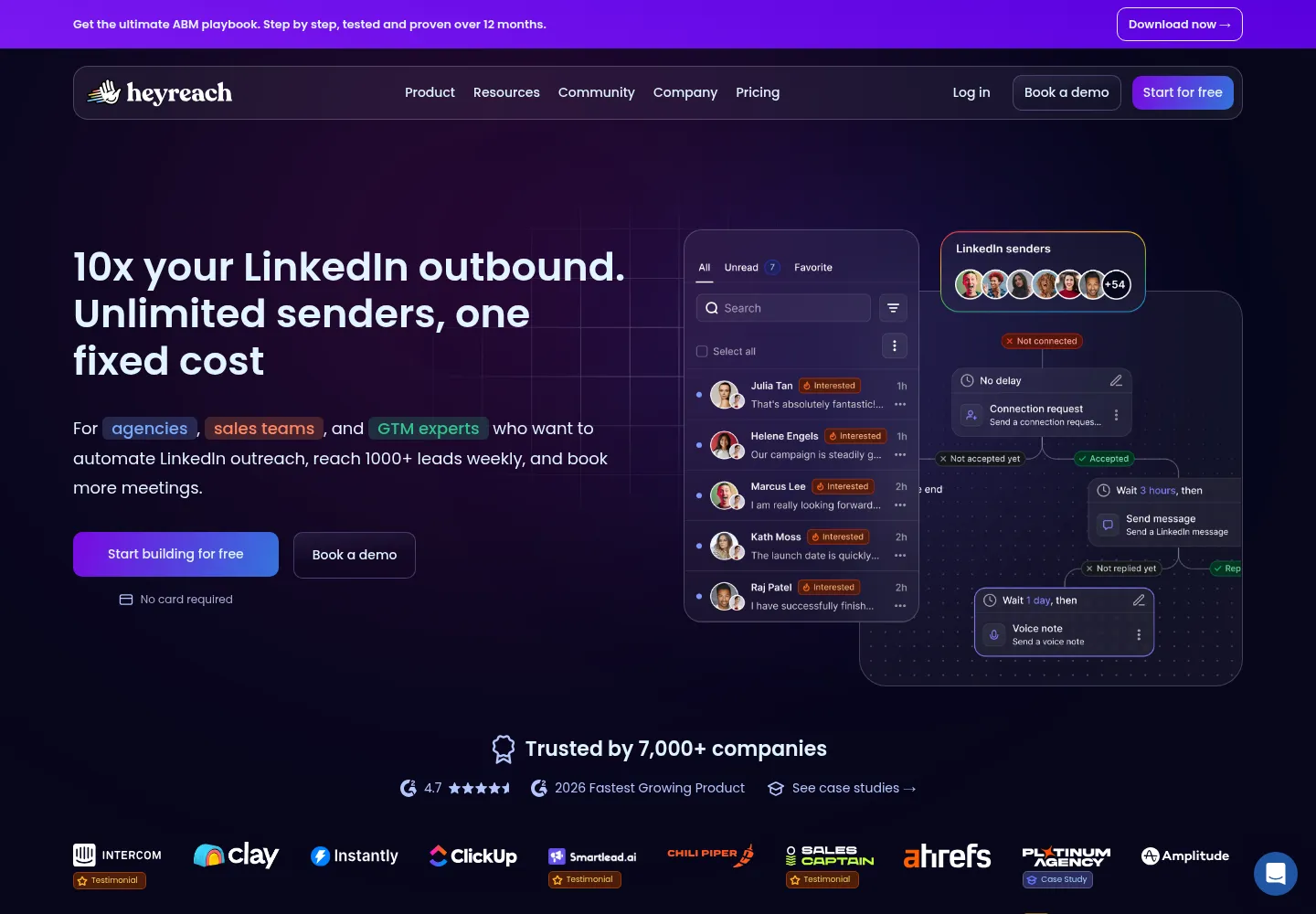
Use the sequence builder to map LinkedIn actions, conditions and follow-ups into a readable campaign. Keep the purpose clear at each step: establish context, start the conversation or add something useful. Once a prospect replies, the person handling that conversation should have the lead's research and campaign history.
Slack integrations and API or webhook connections help bring that context to the team. Reporting across senders, campaigns and workspaces helps identify where conversations are starting and where the process needs attention. These are the parts we value alongside the sender capacity. HeyReach's feature overview covers these integration and reporting options.
HeyReach offers an Unlimited sender plan, alongside smaller sender-based and agency packages. Unlimited is a plan name with fair-use terms, not a feature included in every subscription or a promise of unrestricted LinkedIn activity. Check the current sender allowance for the package you choose.
What HeyReach is best at
HeyReach brings LinkedIn senders, campaign steps and replies into one operating environment. Its main value is coordination: a team can work from a shared process instead of maintaining disconnected campaigns and conversations.
That makes it useful for agencies managing client workspaces and companies running founder, sales or event outreach across several authorized accounts. A single sender can use it too, but the buying decision should reflect the work you need to manage, not a promise of maximum volume.
HeyReach is primarily a LinkedIn execution layer. Its integrations connect it to email platforms, CRMs, Clay and automation tools. An older review saying it cannot participate in multichannel outreach misses that connected workflow. Equally, an integration does not make it the native sending engine for every channel.
Example workflow: a relevant invitation, followed by a human conversation
Consider a B2B consultancy inviting a narrow group of technology leaders to a useful roundtable. This is a proposed operating pattern, not a guaranteed conversion formula.
- Define the audience: decide which companies and roles genuinely benefit from the topic. Exclude existing conversations and contacts who asked not to hear from you.
- Prepare the evidence: record the person's current role, company and reason the event is relevant. Use Clay or another research tool when database fields are insufficient.
- Assign a sender: choose the real person best suited to the conversation. Preserve that relationship across follow-up and replies.
- Build the campaign: keep the invitation specific and the request easy to answer. Define what should happen for connected and unconnected prospects.
- Review a sample: inspect names, profile URLs, message variables, exclusions and the relevance of the offer.
- Launch a controlled batch: check execution and reply handling before expanding the audience.
- Route responses: interested replies go to an owner; opt-outs enter suppression; questions receive a human answer.
A good campaign is not a chain of touches for its own sake. Every step should move the conversation forward or stop it appropriately. A reply from a prospect should change the workflow, not trigger an unrelated scheduled pitch.
Watch Stan build the workflow with Hermes Agent
The walkthrough below shows audience research, strategy, copy review, sender selection and uploading leads into a HeyReach campaign. The demonstration ends with 42 contacts from 27 companies uploaded and the campaign still in draft. It shows campaign preparation, not a live launch or measured campaign results.
Watch the audience definition around 7:10, copy review around 16:38 and HeyReach upload around 19:25. Treat the demonstration as a workflow example. Review the final audience, rendered messages, sender settings and exclusions before separately approving a live launch. Your data sources, permissions and campaign constraints will determine your implementation.
HeyReach pricing and what else to budget for
Reviewed October 18, 2026. HeyReach's monthly pricing lists Growth at $79 per sender, Agency at $999 for the displayed 25-sender option, and Unlimited at $2,999 per month. Quarterly and annual commitments have separate discounted prices. The Agency selector also offers other sender configurations, so confirm the selected option before comparing totals.
Growth includes unlimited campaigns, unified inbox, integrations, API and webhooks, workspaces and MCP access. The page lists 100 enrichment credits per sender. Higher plans add allowances and agency features. Verify the current plan details and any add-ons directly with HeyReach.
The full operating cost can also include research, data enrichment, a CRM, an email sequencer if used, and the people who handle replies. Unlimited senders is a software-plan description, not unlimited activity from each LinkedIn account.
HeyReach vs lemlist, Instantly and manual LinkedIn work
HeyReach vs lemlist: compare a LinkedIn-centered, multi-sender operation with a broader multichannel sales workflow. If your reps need email, LinkedIn and calling in one campaign environment, evaluate lemlist's relevant plan. If LinkedIn coordination is the core requirement, evaluate HeyReach and its integrations.
HeyReach vs Instantly or Smartlead: these are often complementary. We prefer Instantly for the clean all-in-one outbound experience and Smartlead when dedicated email infrastructure is the priority. HeyReach is our choice for the LinkedIn layer. The hard part is shared suppression, ownership and attribution between them.
HeyReach vs manual outreach: a small strategic account list may benefit from direct, individually researched conversations. Automation makes more sense when you have a repeatable process worth coordinating. Do not automate a message simply because a tool can send it.
Limits and failure modes to plan for
LinkedIn can restrict accounts, and automation is not risk-free. Sender rotation and platform controls do not guarantee safety or remove LinkedIn's rules. Use real authorized accounts, respect restrictions and stop when an account needs attention. Do not design a system around evading enforcement.
Operational failures are often less visible than a disconnected sender: a prospect appears in two campaigns, a reply is classified incorrectly, or an interested contact waits without an owner. Build explicit exception handling for each case.
- Review disconnected senders and failed actions.
- Check whether replies stop or change the relevant follow-up paths.
- Test cross-channel suppression with a controlled internal example.
- Inspect a sample of AI classifications before allowing automatic routing.
- Record the campaign version so results can be tied to the actual message.
Measure conversations and opportunities
Connection acceptance is useful, but it does not prove commercial interest. Track accepted connections, replies, qualified positive replies, meetings held and opportunities. Report each with its denominator and time window. Separate event interest from interest in buying your service.
A weekly review should answer which audience and offer created useful conversations, whether the team answered promptly, and where the handoff failed. If replies are strong but meetings are weak, adding senders is unlikely to fix the problem.
What frontBrick builds with HeyReach
Our implementation covers the audience, offer, message, sender structure, connected research, CRM mapping, suppression, reply ownership and reporting. We document the workflow and train the team so it can operate without relying on one person's memory. Pricing depends on scope.
frontBrick has a verified HeyReach expert profile. View our expert listing or book a complimentary discovery call to discuss the system you need.
Questions buyers ask about HeyReach
Can HeyReach work with Clay?
Yes. Clay can prepare and qualify records before they enter a HeyReach campaign. Define the required fields, exclusions and enrollment rule first.
Does HeyReach send email itself?
Its core is LinkedIn outreach. Email tools can participate through integrations. Verify the specific integration and handoff rather than assuming every channel runs natively.
Can an AI agent launch campaigns?
Compatible agents can use supported interfaces such as MCP, CLI or API. Keep audience, copy and launch approvals explicit, especially when the agent can make external changes.
Is sender rotation a guarantee against restrictions?
No. Account limits and platform enforcement still apply. More connected senders do not make an individual account unrestricted.
What should happen after a positive reply?
Assign a human owner, stop inappropriate follow-ups, preserve context and create or update the correct CRM record. Agree the response process before launching.
Can our team run it after implementation?
Yes, if the delivery includes documented campaign logic, field mappings, exception handling, reporting and training. Those are part of the system, not optional notes at the end.
Explore the connected tools
- Clay implementation guide
- Hermes Agent implementation guide
- lemlist implementation guide
- Instantly implementation guide
Sources and editorial notes
The product and pricing review is dated October 18, 2026. Stan’s first-hand notes and the linked feature updates were incorporated on October 19, 2026. Workflow recommendations are frontBrick’s implementation guidance. Stan’s recommendations and reported results reflect frontBrick’s experience. Suggested workflows are examples for implementation, not claims of measured client results. We offer paid implementation, and verified partner relationships are disclosed above.
