Back to Resources
Inbox Placement Test: How to Run and Interpret One
Author
Stan Stojanovic
Date
January 20, 2025
Read time
6
min.



Last updated: September 30, 2026
An inbox placement test sends a message to monitored test accounts and reports where it appears, such as inbox, a category tab or spam. It helps investigate delivery problems across the providers included in the test. It does not predict the folder placement of every real recipient.
The most useful test reproduces your actual sending setup and answers a specific question. A blank message from a different mailbox cannot validate a personalized campaign with links, tracking and follow-ups. This guide explains the setup, the limits and the decisions to make after a result.
What does an inbox placement test measure?
A seed test observes a selected set of accounts. Those accounts may differ from your audience in provider mix, account history and filtering behavior. Treat results as a snapshot of that test, not a campaign-wide inbox rate.
| Result | Practical interpretation | Next question |
|---|---|---|
| Inbox | The message appeared in the tested inbox | Does that provider represent your actual audience? |
| Category tab | The message reached a categorized inbox area | Does the tool distinguish tabs from spam? |
| Spam | The test account classified the message as spam | Is the pattern isolated to a provider or sender? |
| Missing or pending | The tool has no completed placement observation | Was the message delayed, rejected or not yet collected? |
| Authentication warning | A technical identity check needs attention | Which mechanism or alignment failed? |
Promotions is not the same as spam. Nor is a missing result automatically a spam result. Check the testing tool's definitions and retain incomplete observations instead of quietly excluding them from the report.
Prepare the test before pressing send
Choose one question, such as whether a new tracking setup changes observed placement or whether one sending account behaves differently from another. Record the sender, sending service, campaign version, subject, body, signature, links and tracking settings.
Use the providers and regions that matter to your recipient base. If the tool reports only consumer accounts, record that limitation when interpreting a B2B campaign. Organization-specific gateways and filtering can behave differently from the test accounts.
Render personalization into representative final text. Check missing fields and long fallbacks before testing. Keep a copy of what was actually sent, rather than assuming the template and the delivered message are identical.
Running a test in Instantly
Instantly's current one-time test documentation describes selecting the test type, recipient mailboxes, sending accounts and campaign copy or new copy. It also notes that variables and spintax are not supported in inbox placement tests. Use representative resolved text rather than assuming every generated variation has been tested.
Check your account's available limits before launching. Review results per sending account and provider. Save the test name and configuration so a later comparison is meaningful.
Running a recurring test in Smartlead
Smartlead's SmartDelivery documentation describes automatic tests using connected accounts, a selected campaign and sequence, sender accounts, recipient providers and a defined frequency. It notes that selected sender limits depend on the subscription plan.
Use a frequency that fits the decision you need to make and the available allowance. A recurring test helps observe changes over time, but cannot repair a campaign by itself. Assign someone to review changed results and act on them.
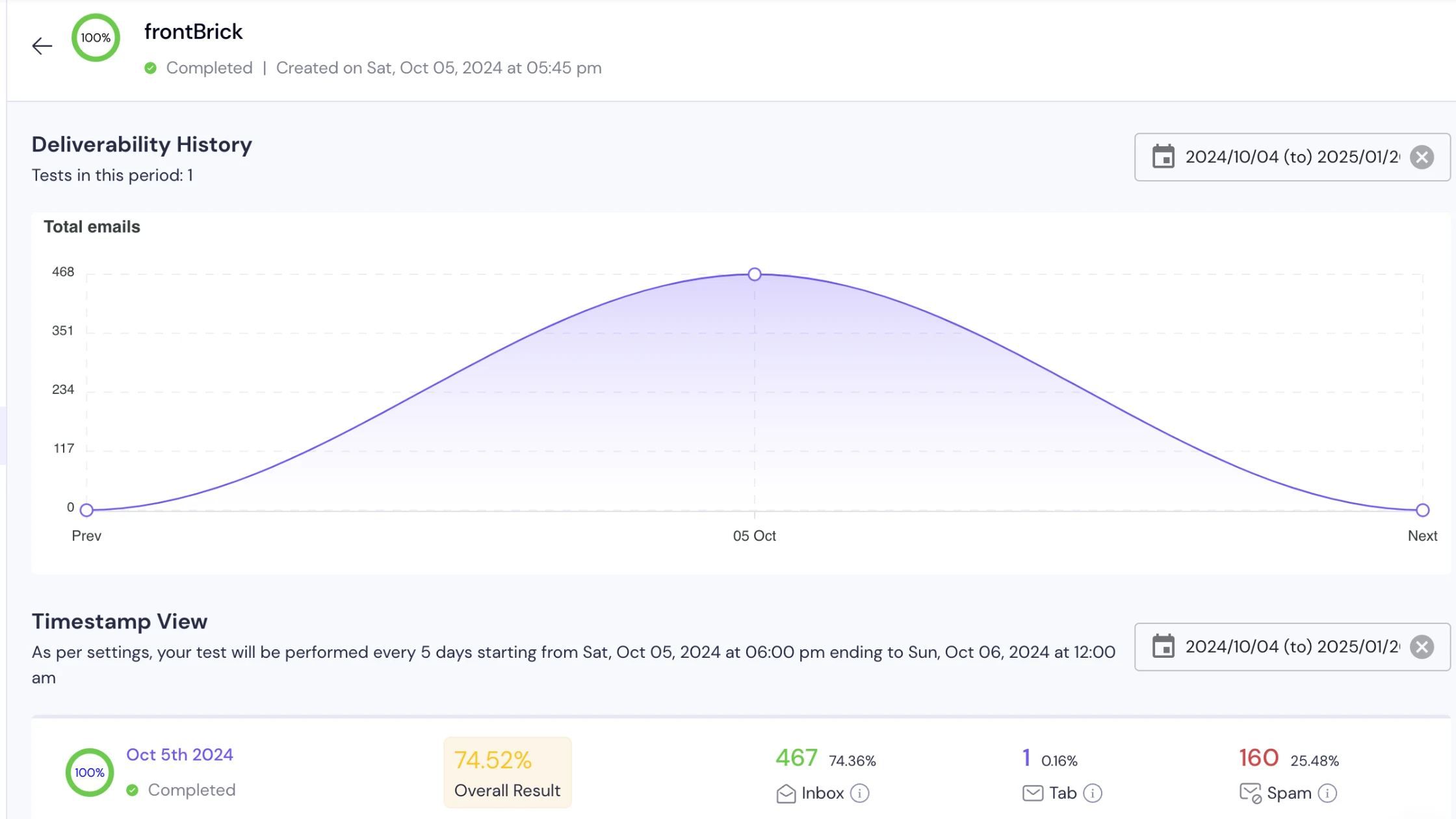
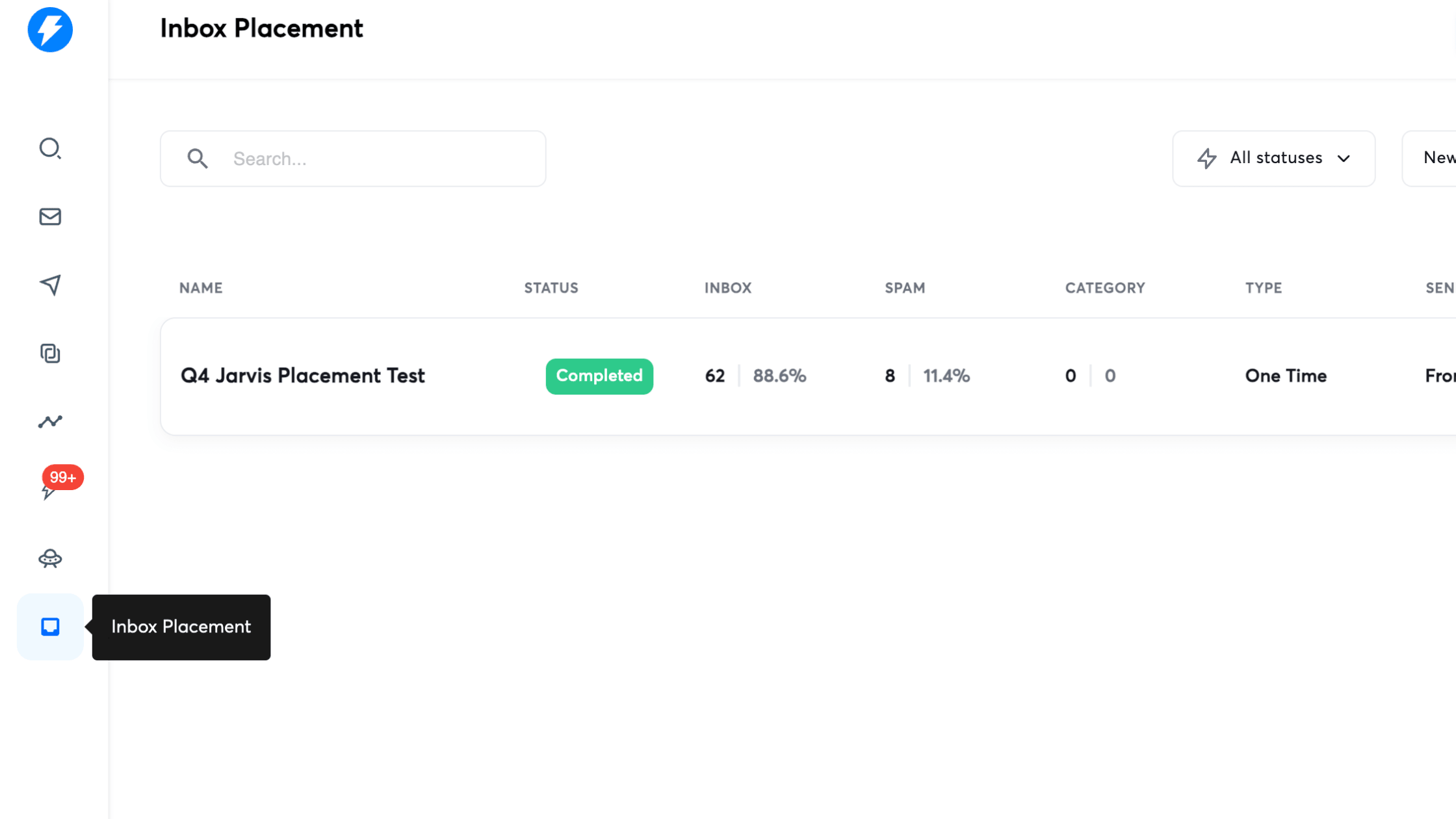
The retained screenshots illustrate historical report formats. Their percentages are not current frontBrick performance claims, targets or evidence of a tool's present interface. Use the linked vendor documentation for current controls.
How to interpret the score without fooling yourself
Look below the aggregate percentage. Suppose a hypothetical test observes ten Gmail accounts and ten Outlook accounts. If all ten Gmail accounts receive the message in the inbox and only four Outlook accounts do, the combined observed rate is 14 out of 20, or 70%. That average conceals a large provider difference.
This is an illustrative calculation, not a campaign result. If your audience is mainly on Outlook, the overall figure is a poor basis for a launch decision. Even the provider-specific sample is small and may not represent your actual recipients.
Check whether repeated tests use the same seed set and denominator. A score can change because the test composition changed. Keep counts alongside percentages, including spam, category and unresolved results, and retain the time the results were collected.
What should you change after a bad test?
Authentication fails
Inspect received headers and the sending path before rewriting the email. Confirm the actual sender is authorized and the expected authentication is working. Our email deliverability troubleshooting guide explains how to separate authentication from other causes.
Only one sender performs poorly
Compare account configuration, recent activity and error logs with another relevant sender. Avoid moving the entire campaign to a new domain without knowing why that would help. Save the evidence before making a change.
Only one provider looks poor
Inspect that provider's error messages and applicable requirements. Test a specific hypothesis under comparable conditions. A result at another provider does not resolve the affected one.
Placement looks good but replies are weak
Review account fit, buyer role, offer clarity and the delivered message. A placement test does not measure demand. The AI cold email workflow explains how to check the evidence behind personalization rather than treating generated wording as relevance.
Several things changed at once
Reconstruct the change log. If you changed the domain, copy, tracking and recipient mix together, you cannot confidently attribute the result to one factor. Establish a stable baseline and isolate the next change where possible.
A practical testing record
Keep one record per test with enough detail for another operator to repeat it. This is a suggested template:
- Purpose and hypothesis.
- Sender, sending service and message version.
- Recipient providers, regions and number of test accounts.
- Tracking and link configuration.
- Results by provider, including unresolved observations.
- Change made and the comparable retest.
- Decision, owner and date reviewed.
Do not use repeated testing to search for a flattering screenshot. Keep unfavorable results and explain what happened. The record should help you make the next decision and show what remains uncertain.
What should an agency include in inbox placement reporting?
Ask the provider to show the actual tested setup, the provider mix and the limits of the result. Reporting should connect an issue to an investigation and an owner. A dashboard score without the tested message or sender is difficult to evaluate.
Confirm who monitors tests, who can pause campaigns and how changes are verified. Ask how the team combines seed observations with delivery logs, opt-outs and qualified conversations. A promise of guaranteed inbox placement should not replace these operational details.
frontBrick's cold email agency service can discuss campaign monitoring and execution. If the problem starts with unsuitable or outdated prospect records, Clay consulting addresses that upstream workflow. Neither data enrichment nor a seed test establishes that a person wants outreach.
Frequently asked questions
Is an inbox placement test free?
Some products offer limited trials or included allowances, but availability and limits vary. Check the current plan before running a test. Do not assume every sending subscription includes unlimited tests.
Should I test with a blank email?
Use representative final campaign copy when assessing that campaign. A blank diagnostic message can answer a narrower technical question, but does not validate the real email's content and configuration.
Does a perfect result guarantee delivery to prospects?
No. It describes observations for the tested accounts and configuration at that time. Use it alongside other evidence and continue monitoring the real program.
Book Your Strategy Call Today
Want to see how frontBrick can help you generate qualified leads and fill your pipeline fast? Book your free strategy call now.
Book Strategy Call
Related Resources
See All Resources

%2520%257C%2520frontBrick.webp)